New
Create photorealistic product visuals for webshops, ads and social media
Your virtual studio for e-commerce, ads and social content
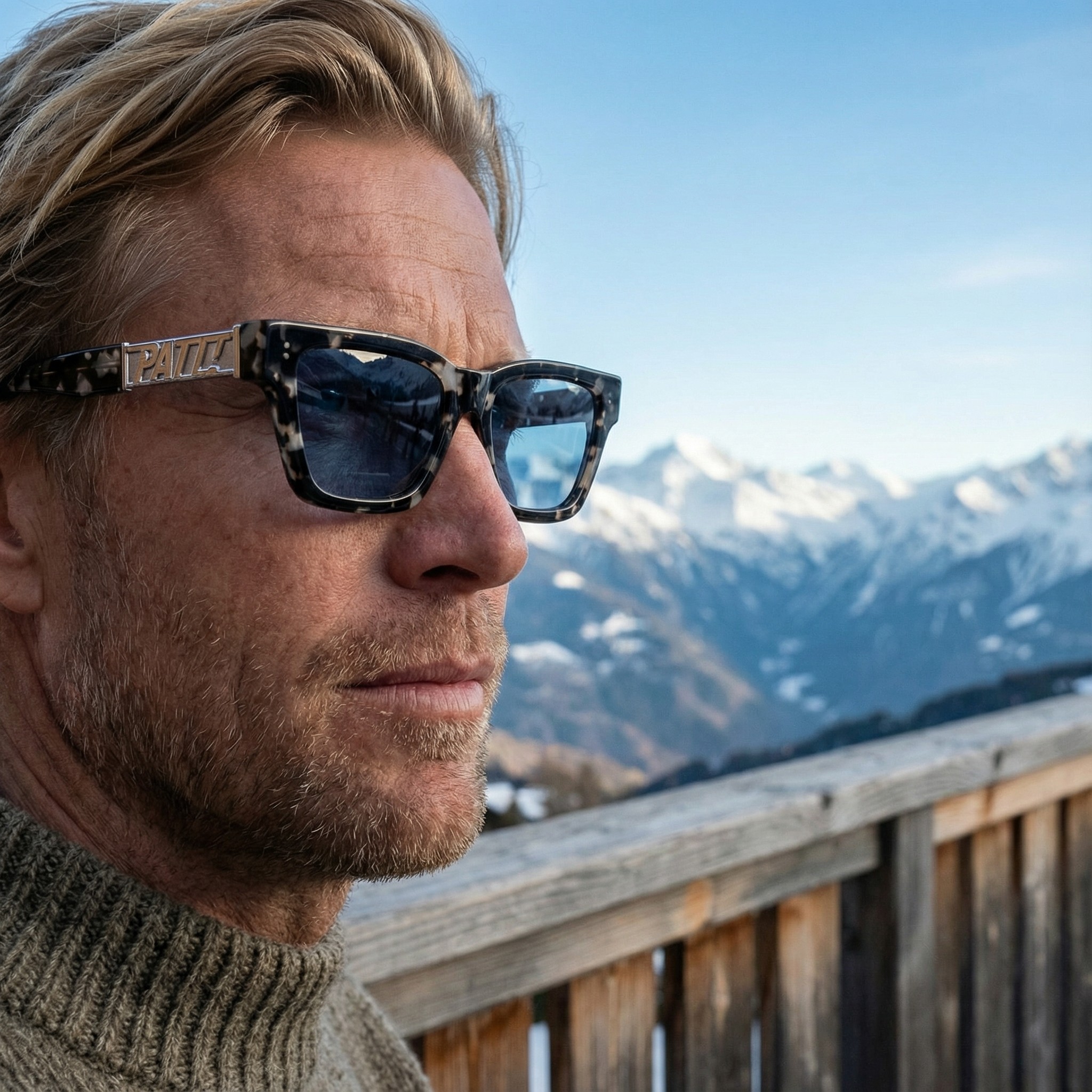
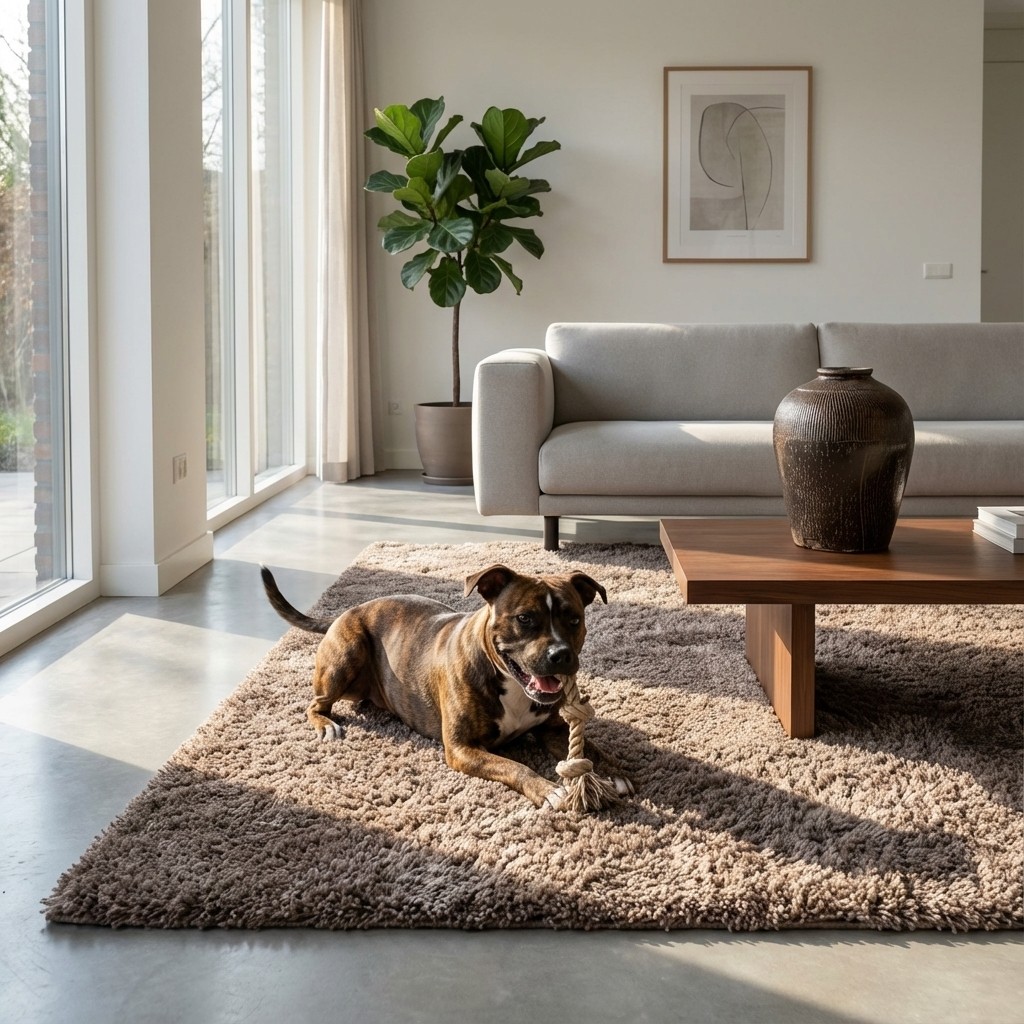
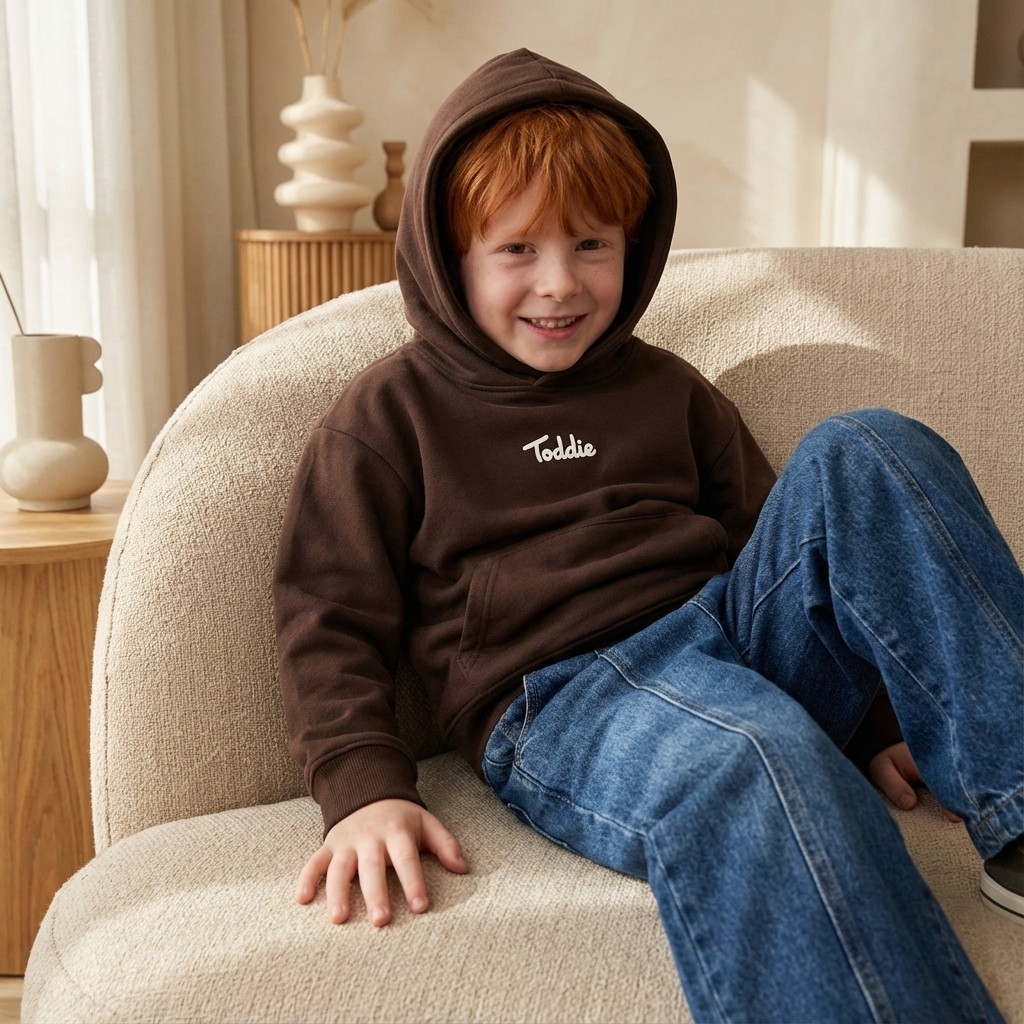
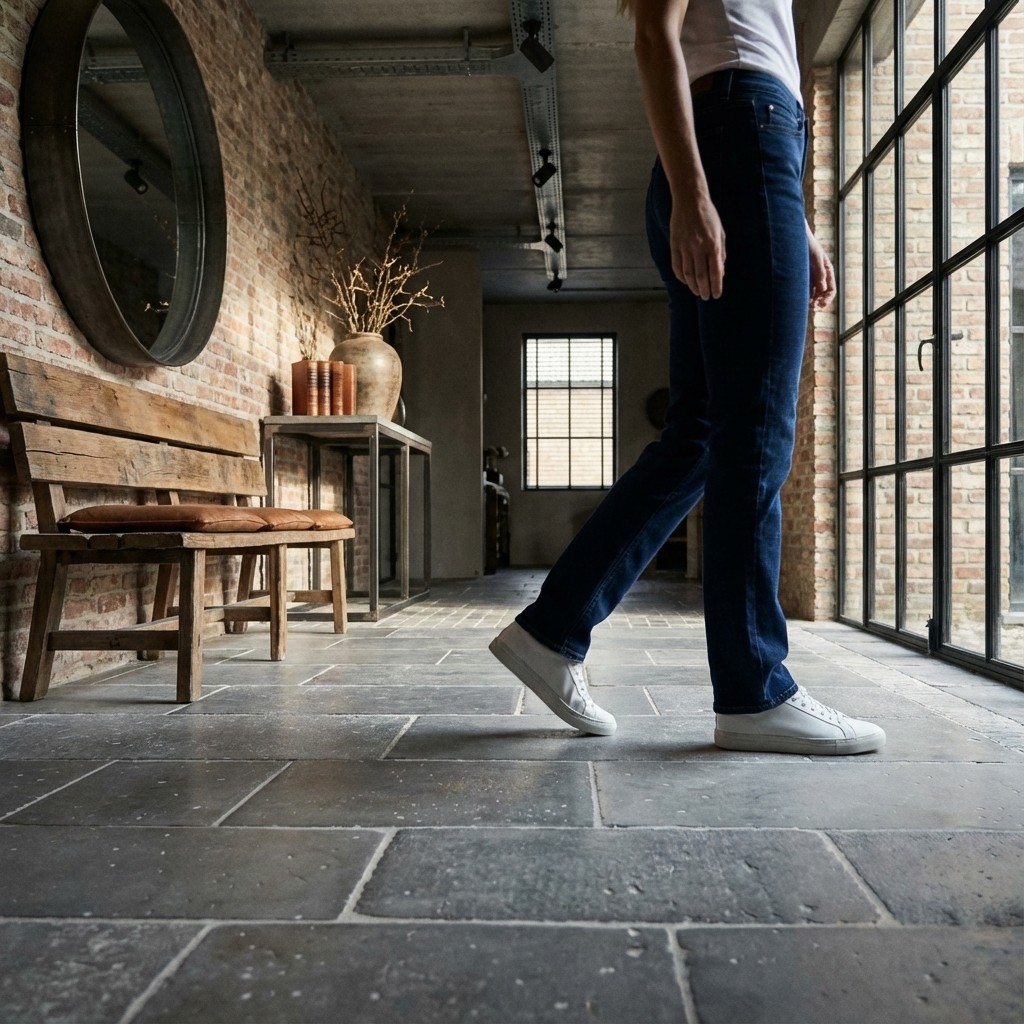
Our Services
The Future of Content Creation
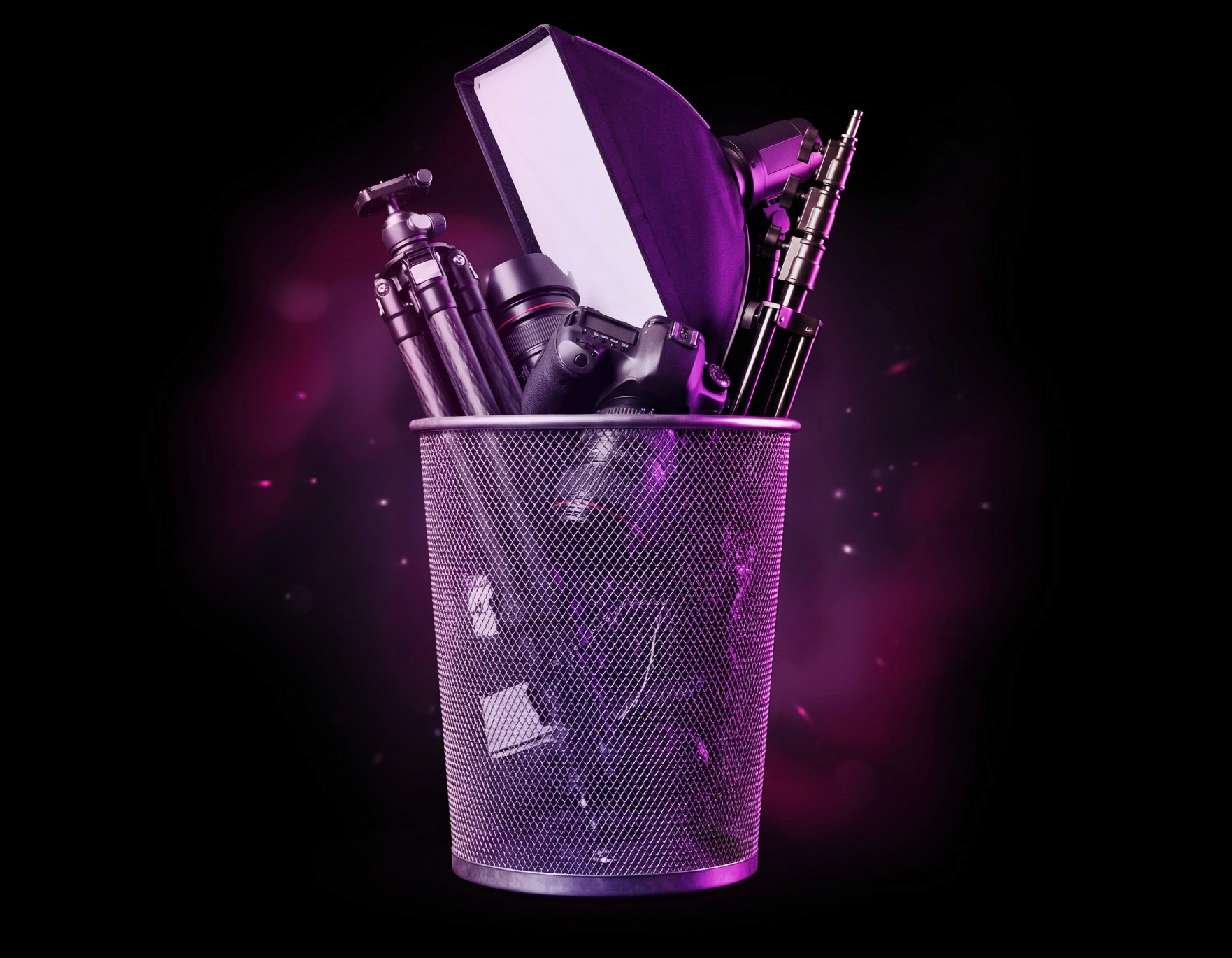
Say goodbye to expensive photoshoots and slow content production.With MAREY STUDIO, you can turn any product into stunning visuals in minutes. Connect your store, choose your products, and create photorealistic scenes for e-commerce, ads and social content
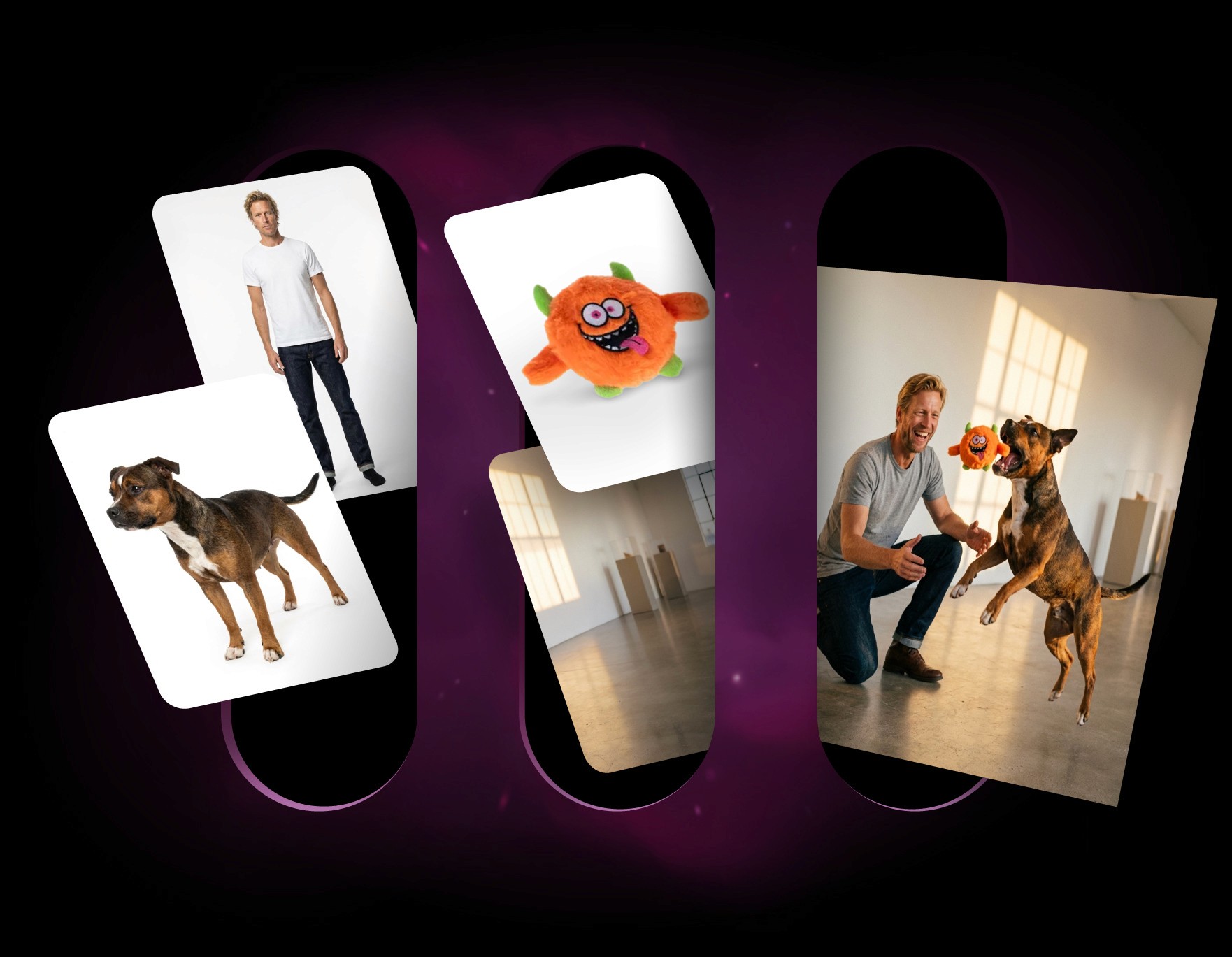
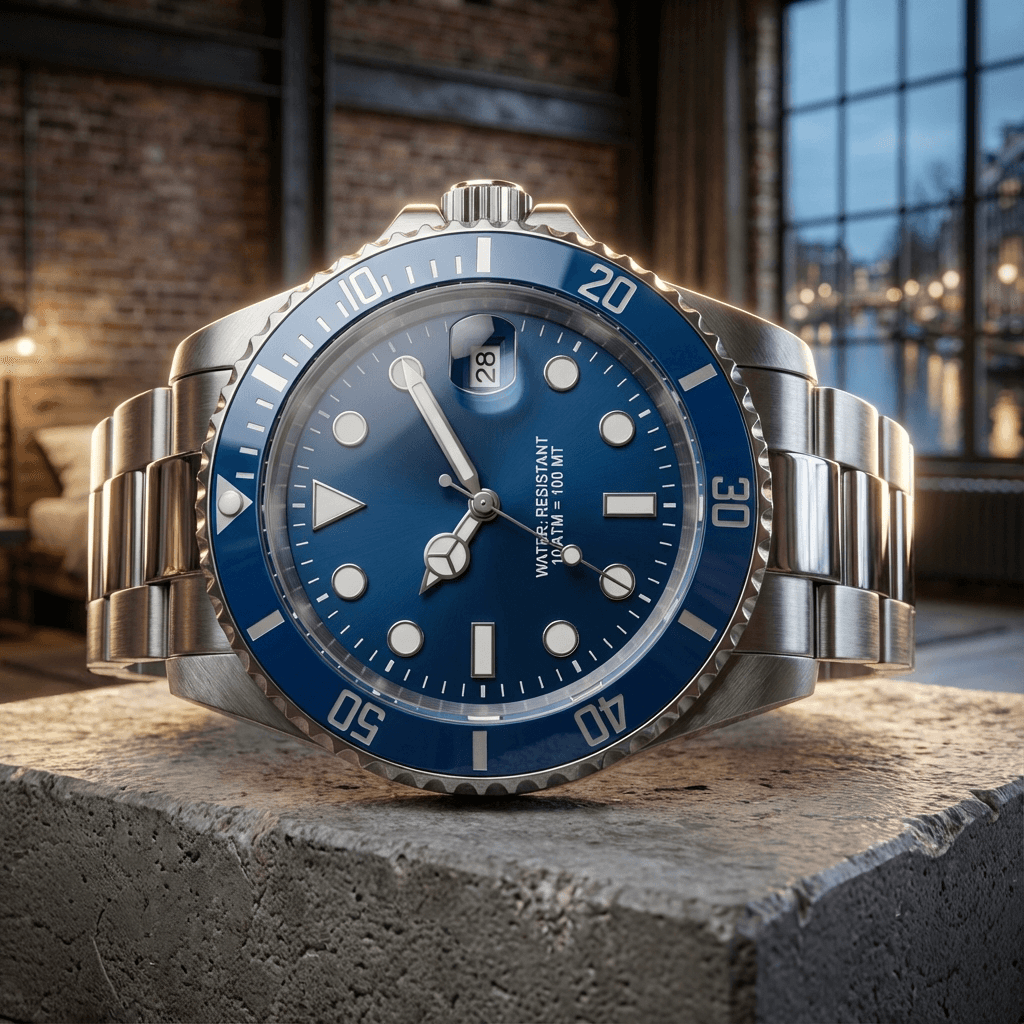
AI Product Scenes
Photorealistic visuals for any product, instantly
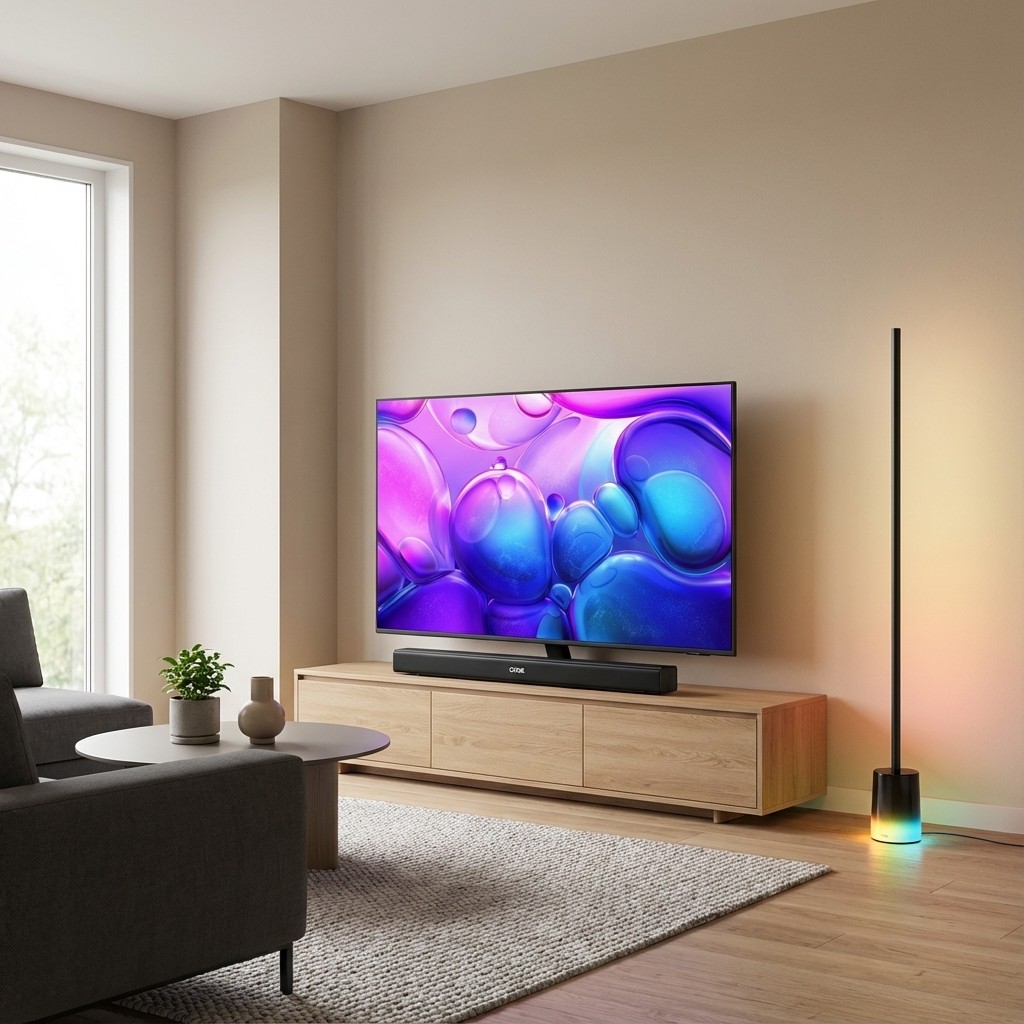
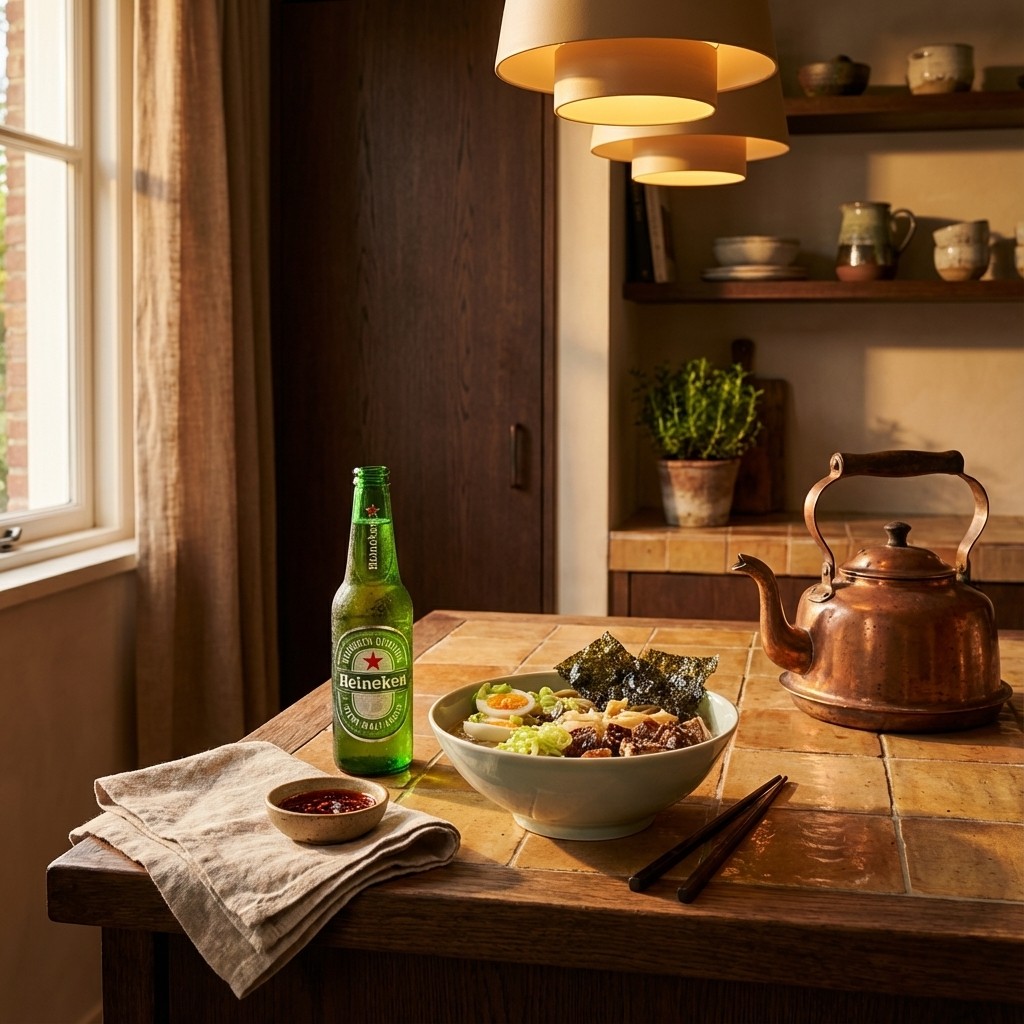
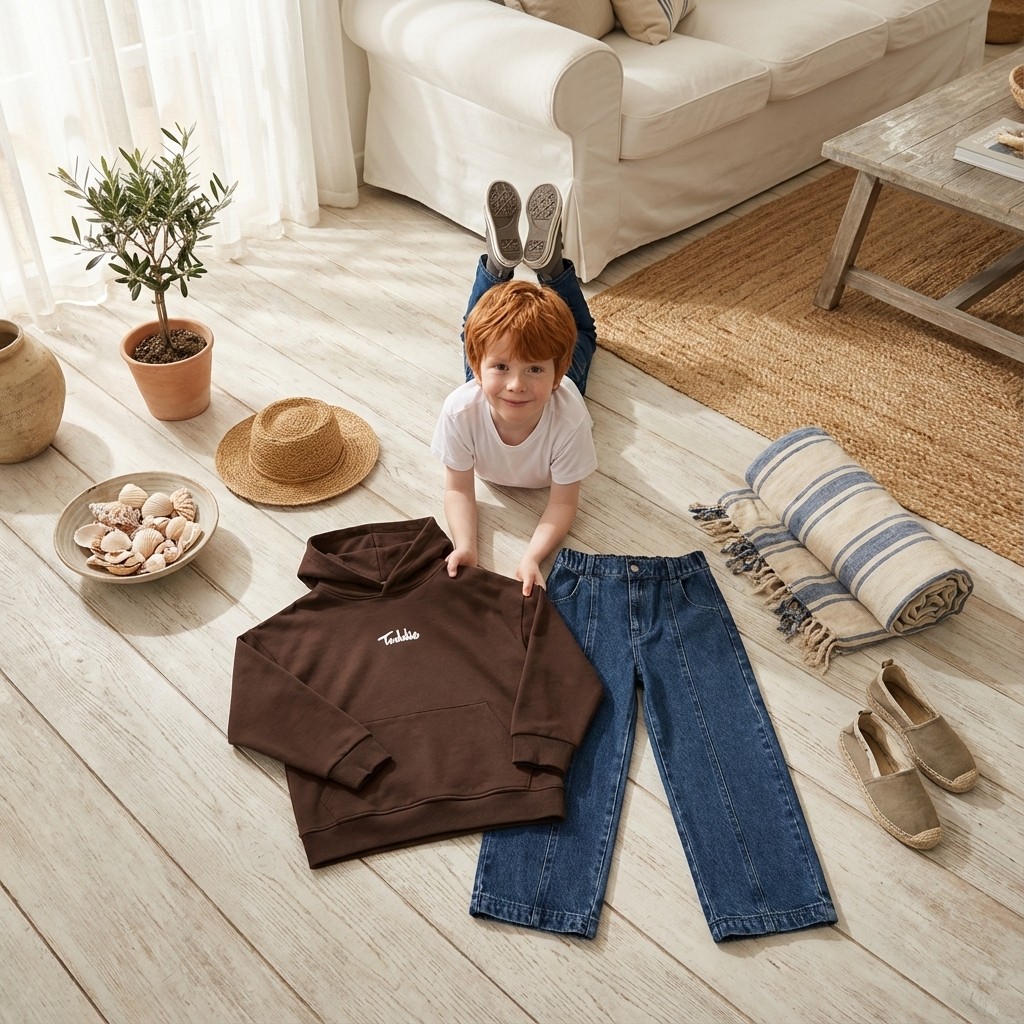
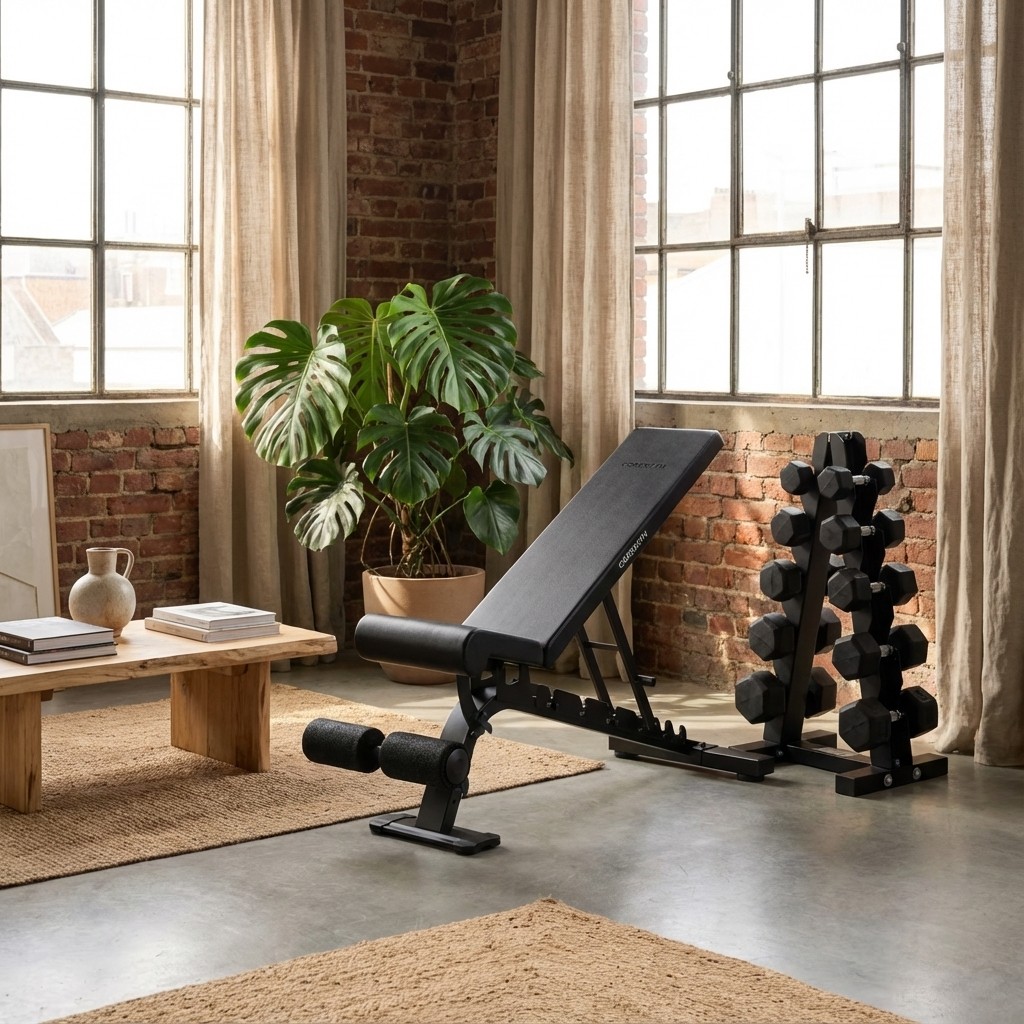
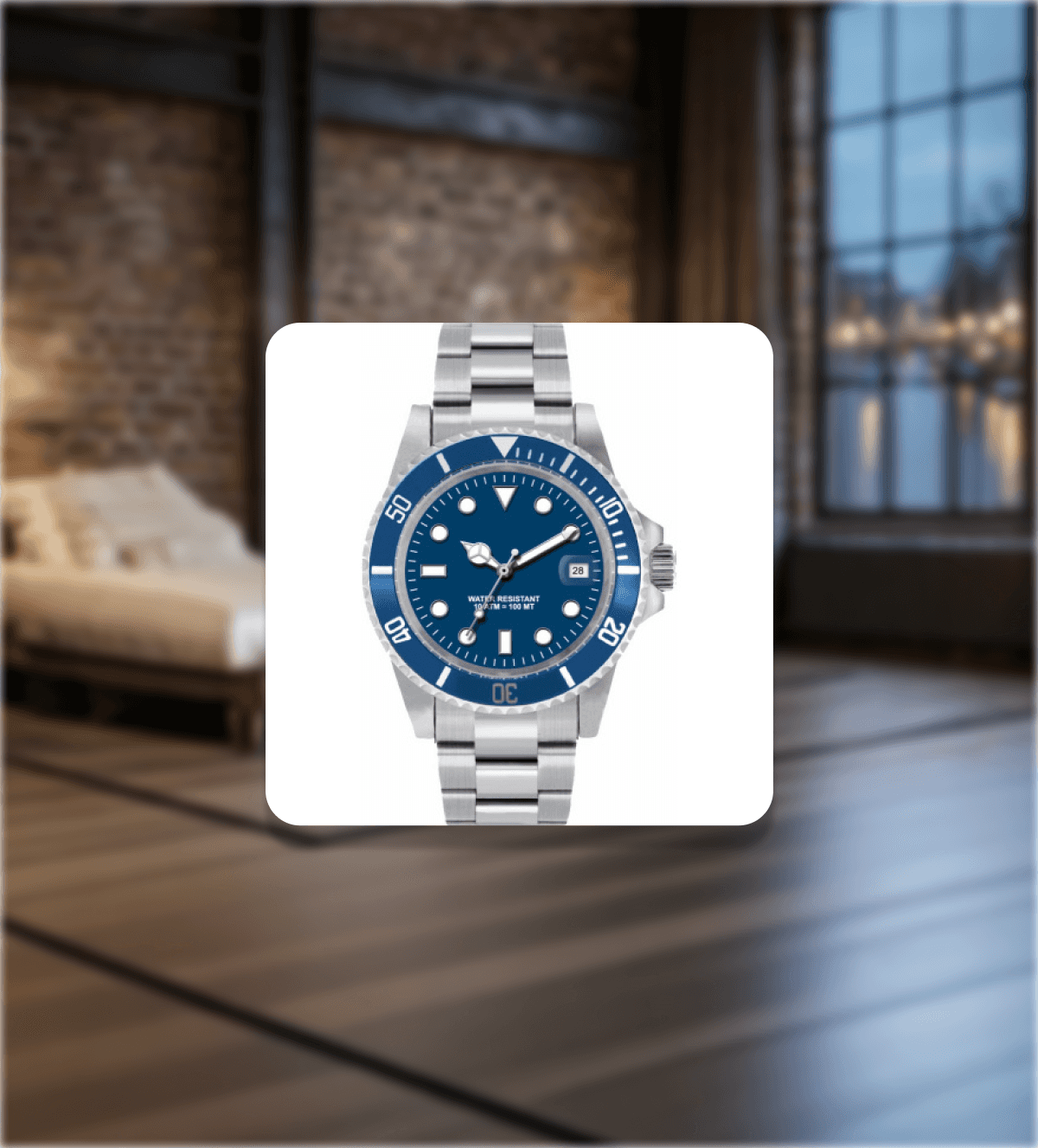
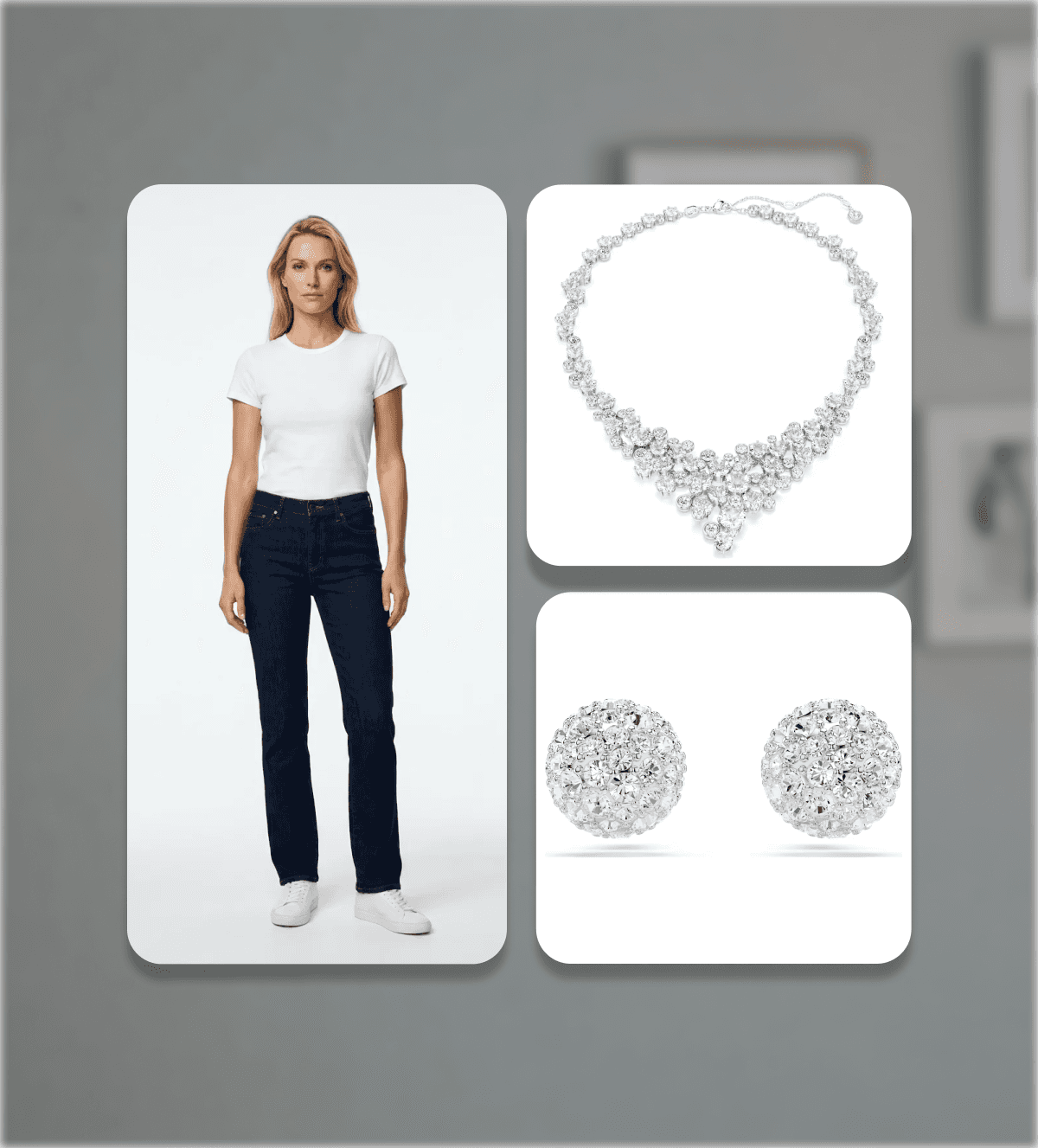
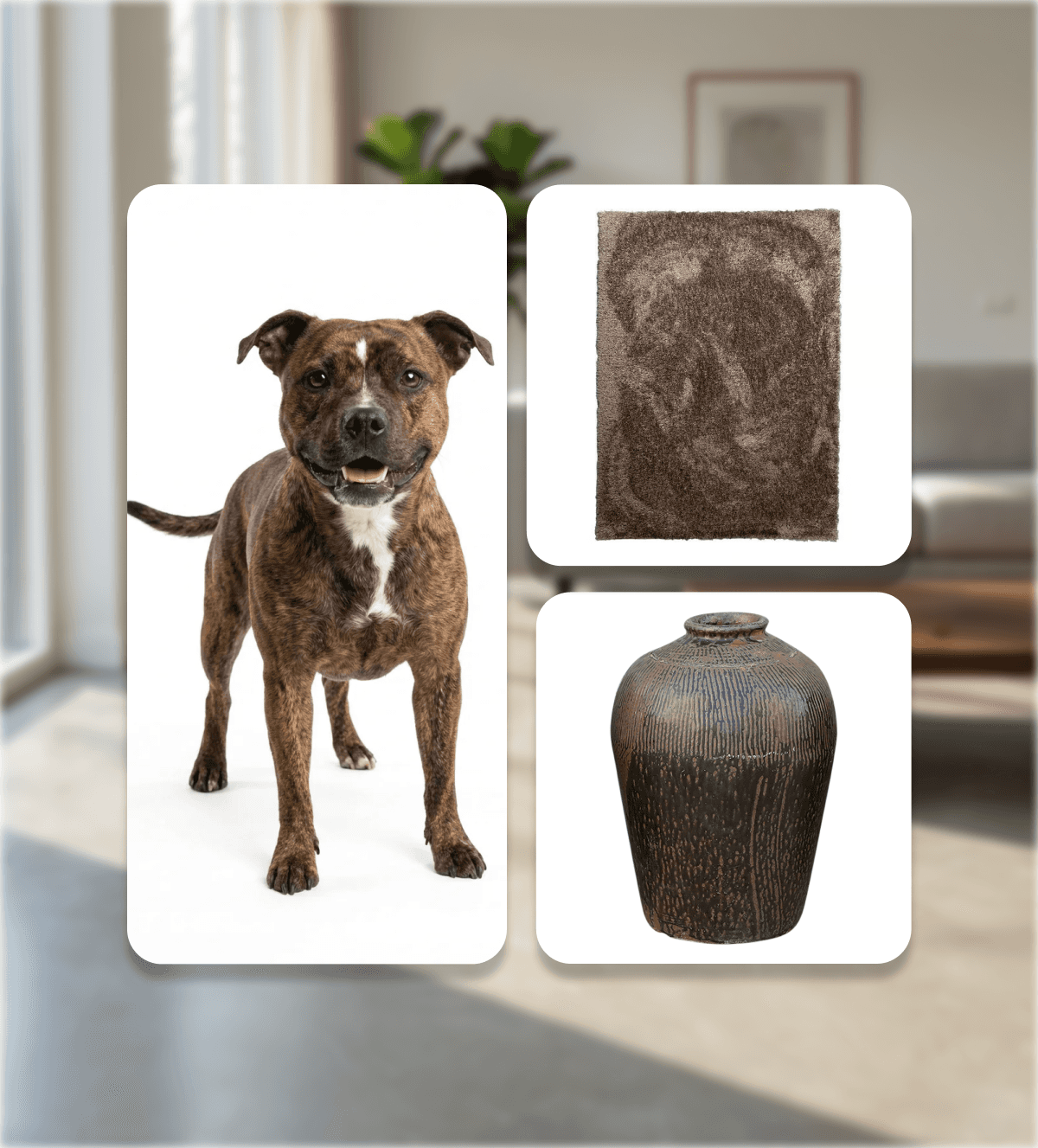
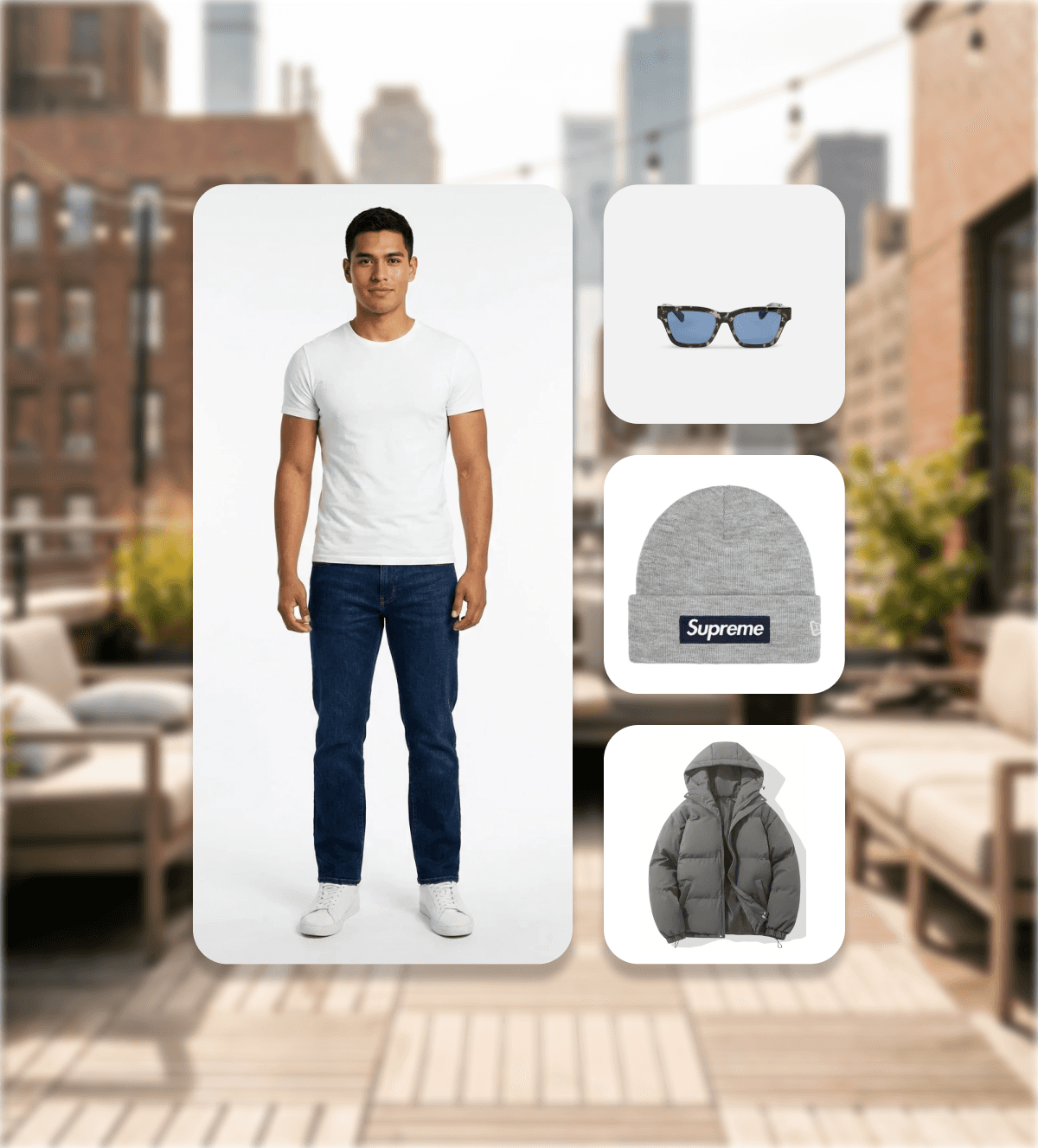
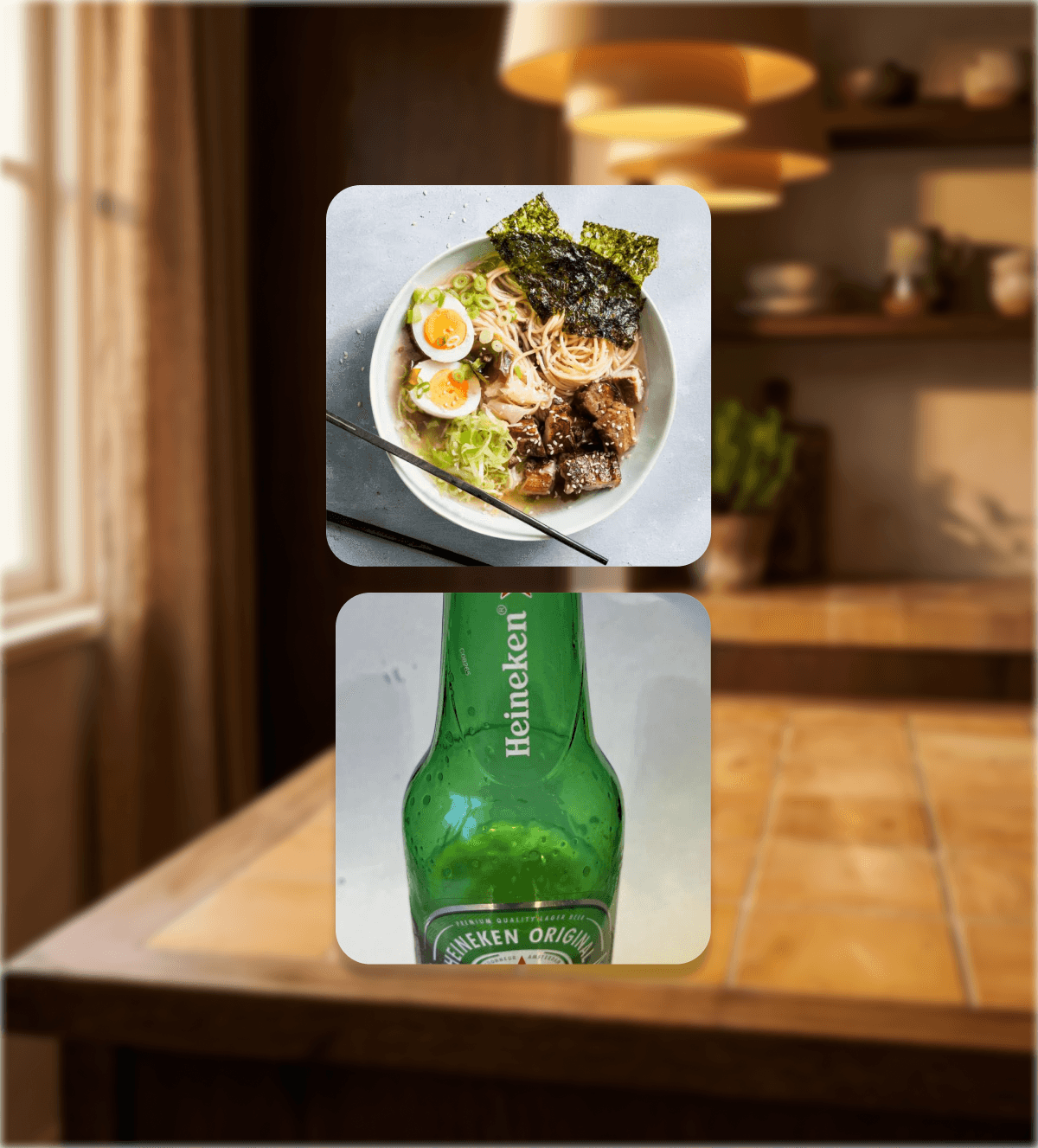
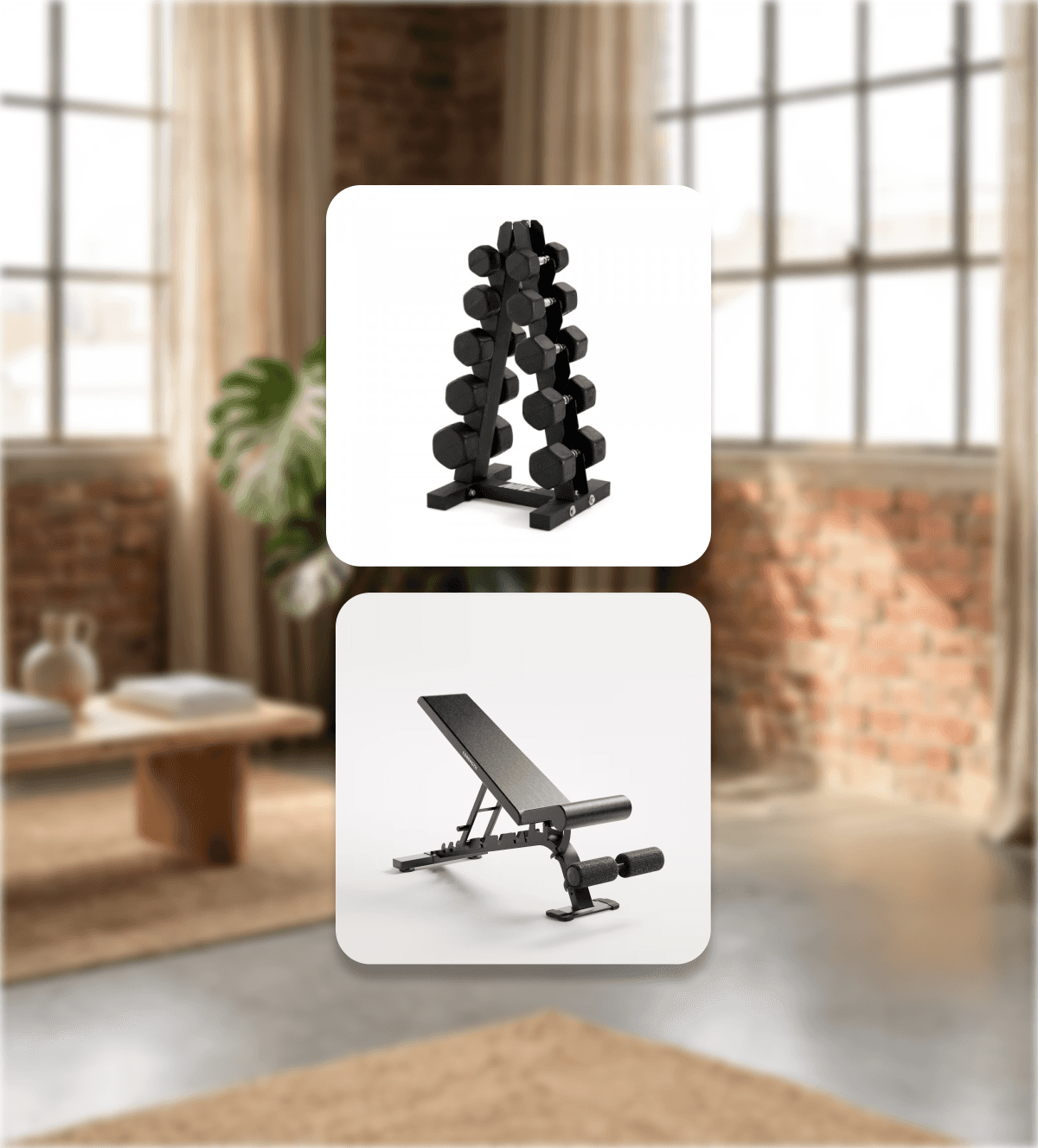
Create photorealistic product visuals in any environment.
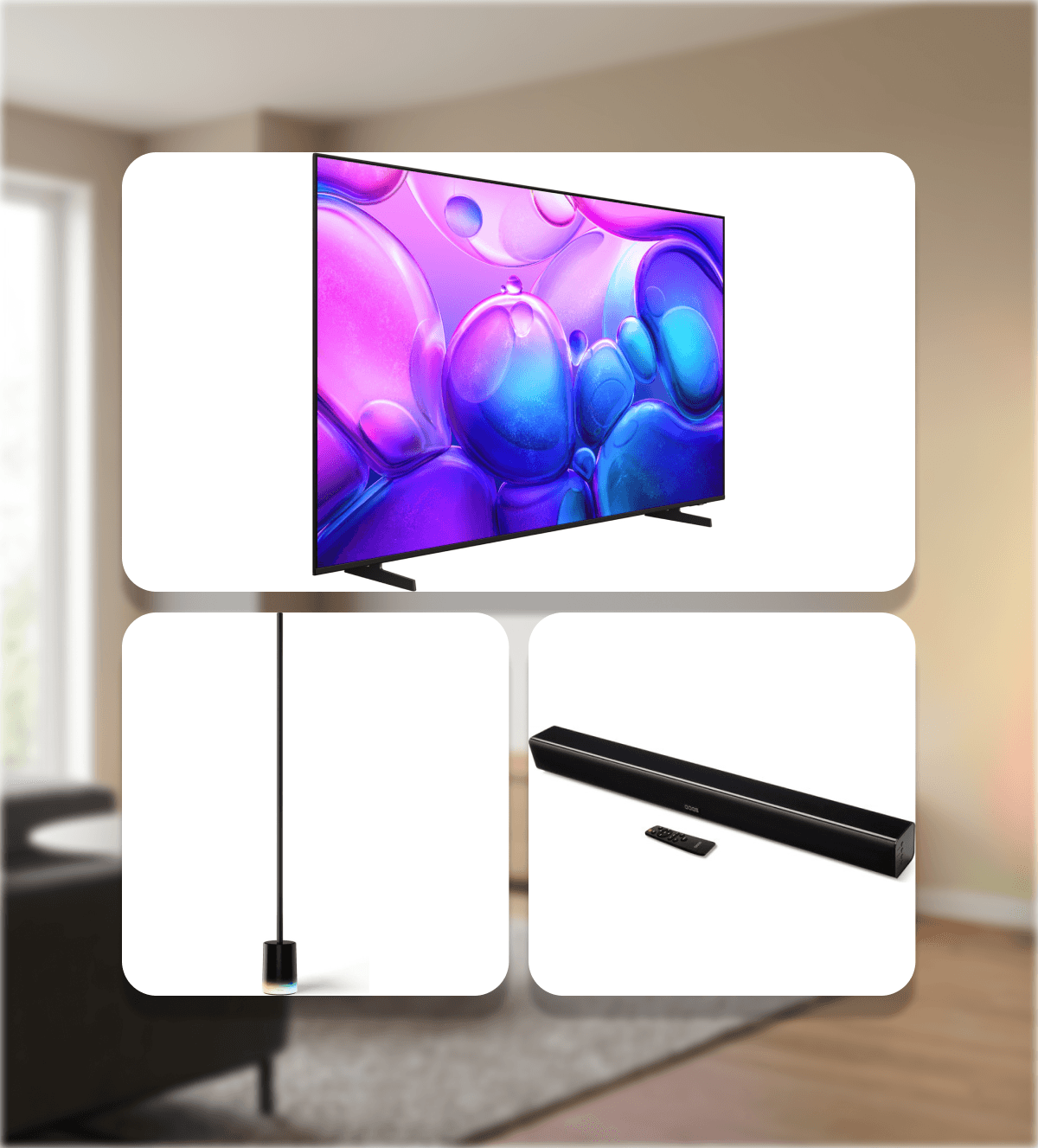
Place one or multiple products into curated or custom scenes — ready for webshops, campaigns and social media.
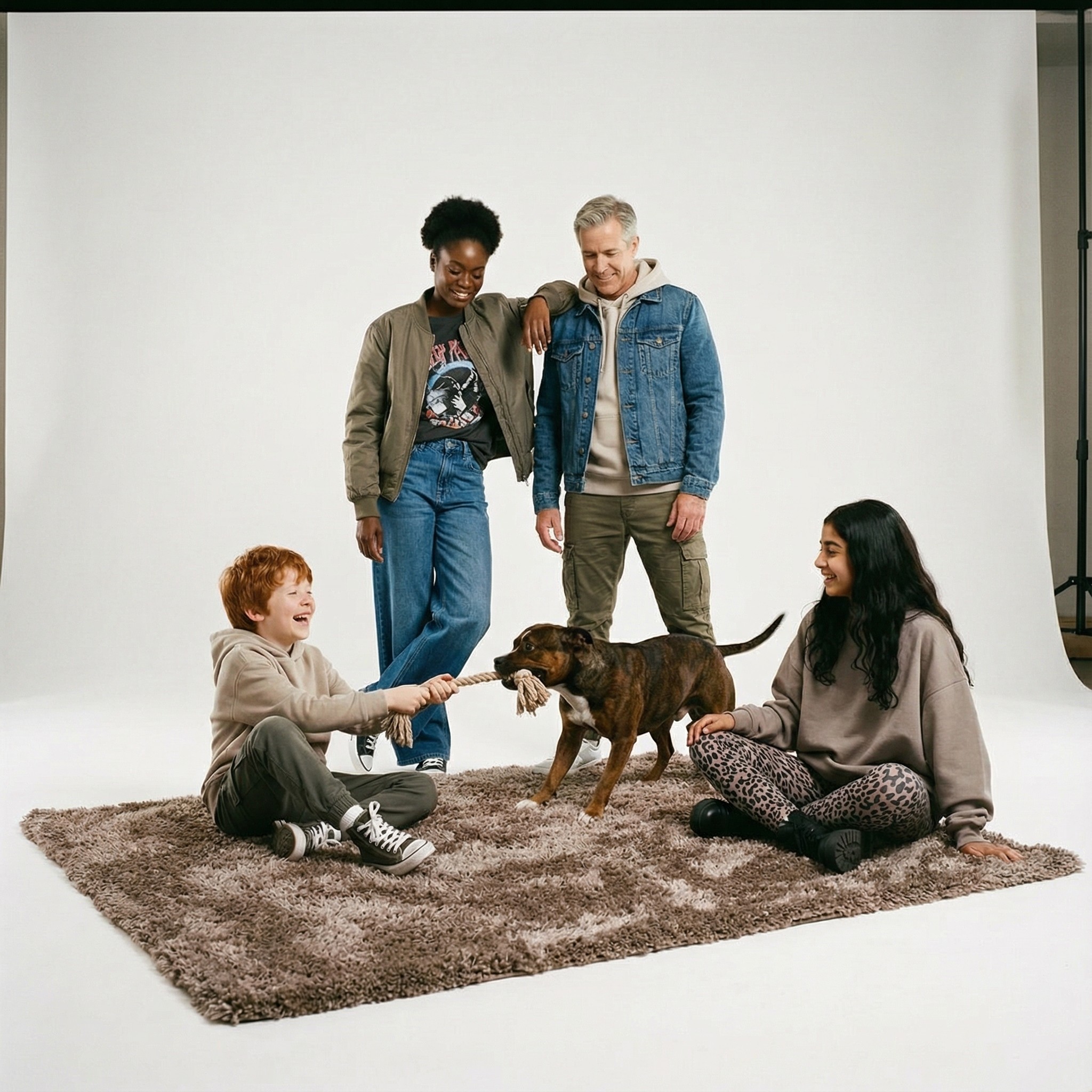
Incl. muliple models in one scene
No prompt engineering
E-commerce Integration
Seamless Shopify & Woocommerce sync
Connect Marey Studio directly to your Shopify or WooCommerce store. Sync products automatically and generate visuals at scale, without manual uploads.
CSV upload
JSON import
Many more
Fashion & Model Visuals
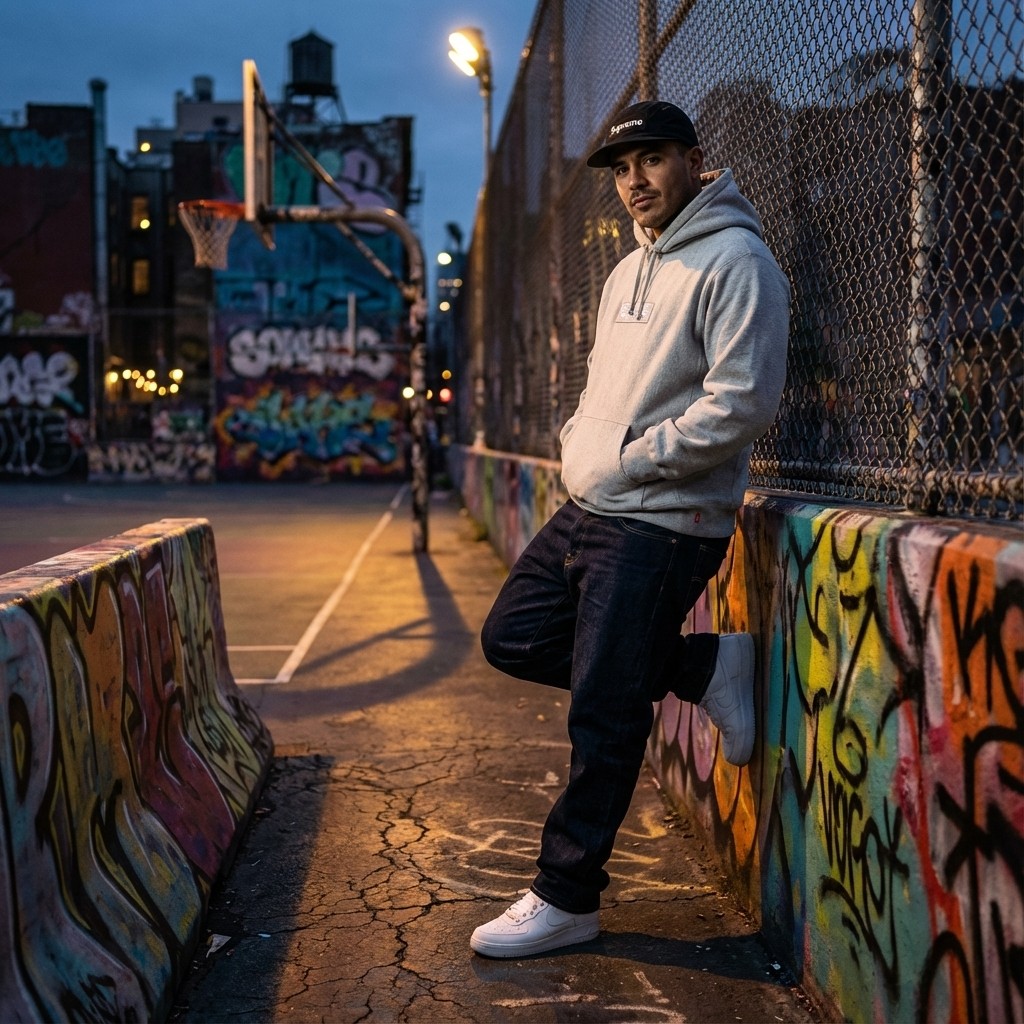
Generate realistic fashion imagery without a photoshoot
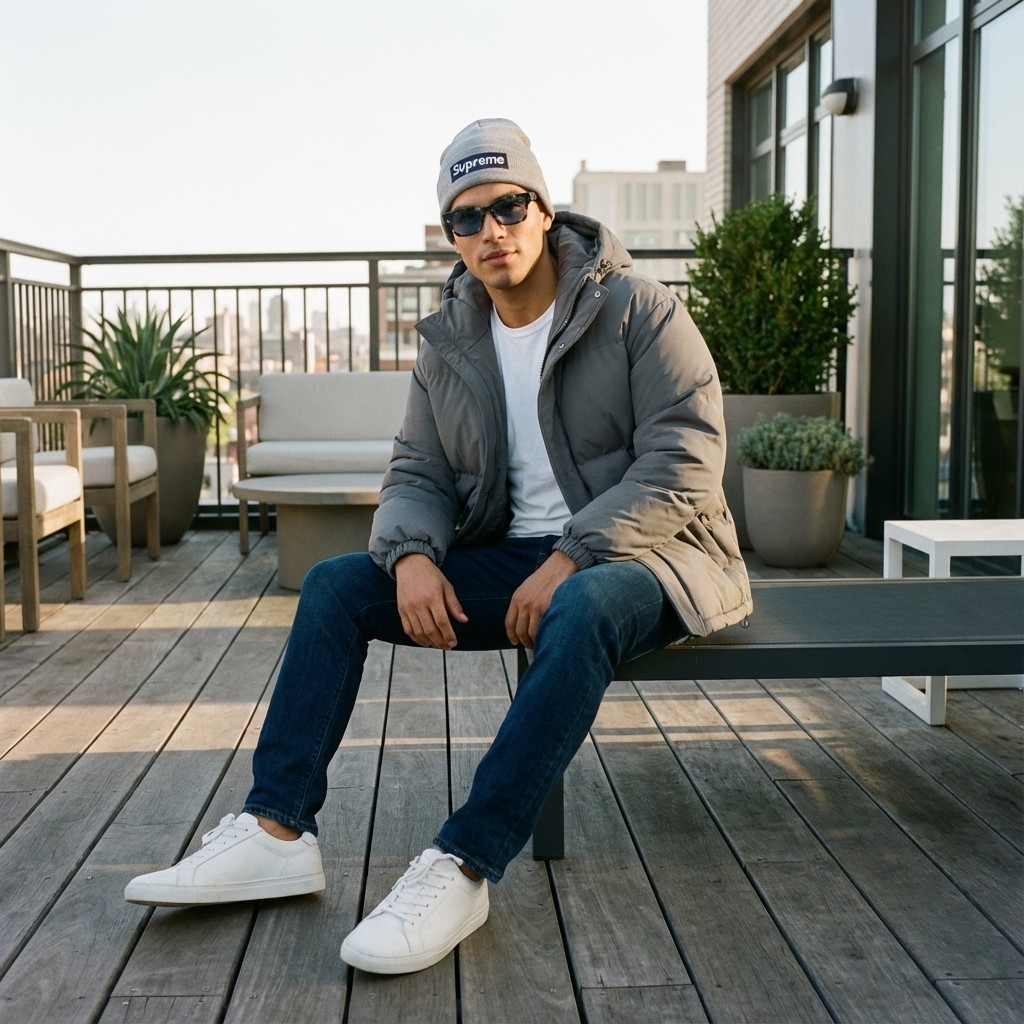
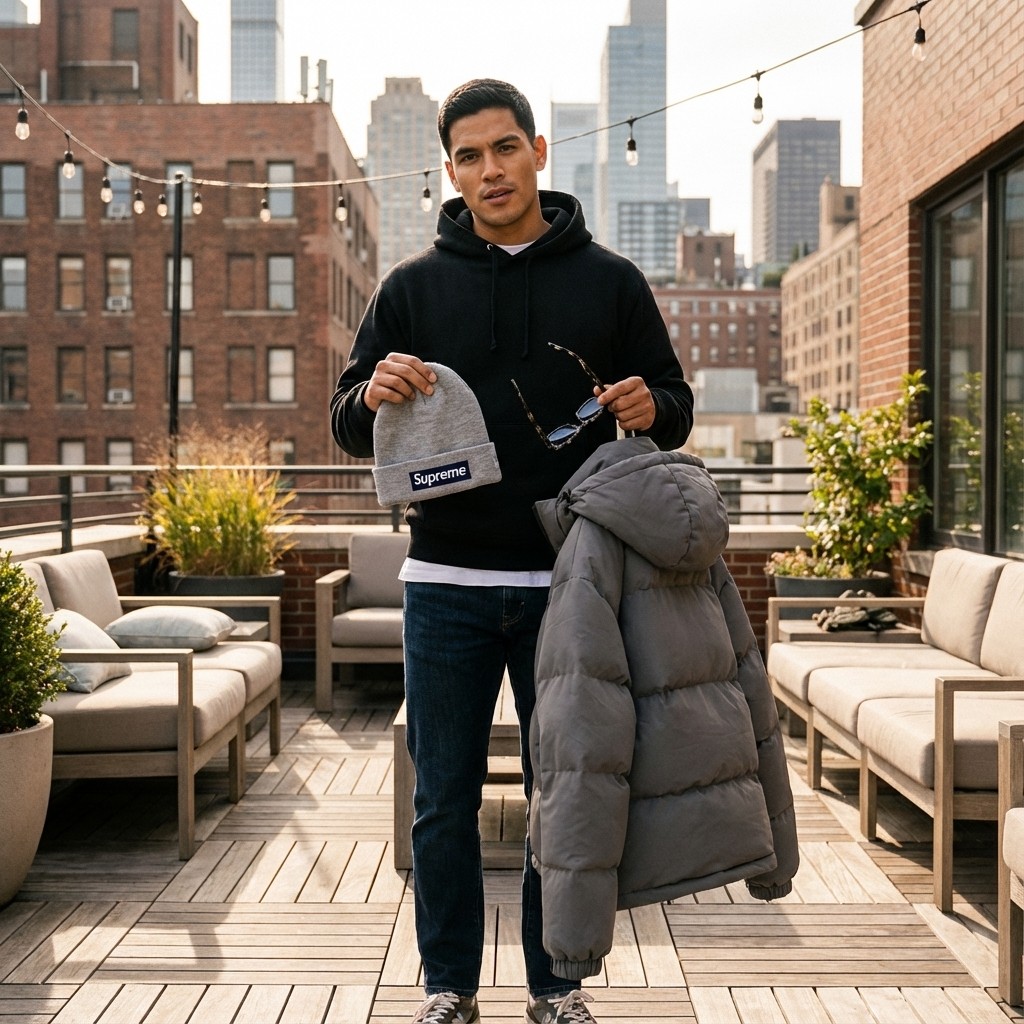
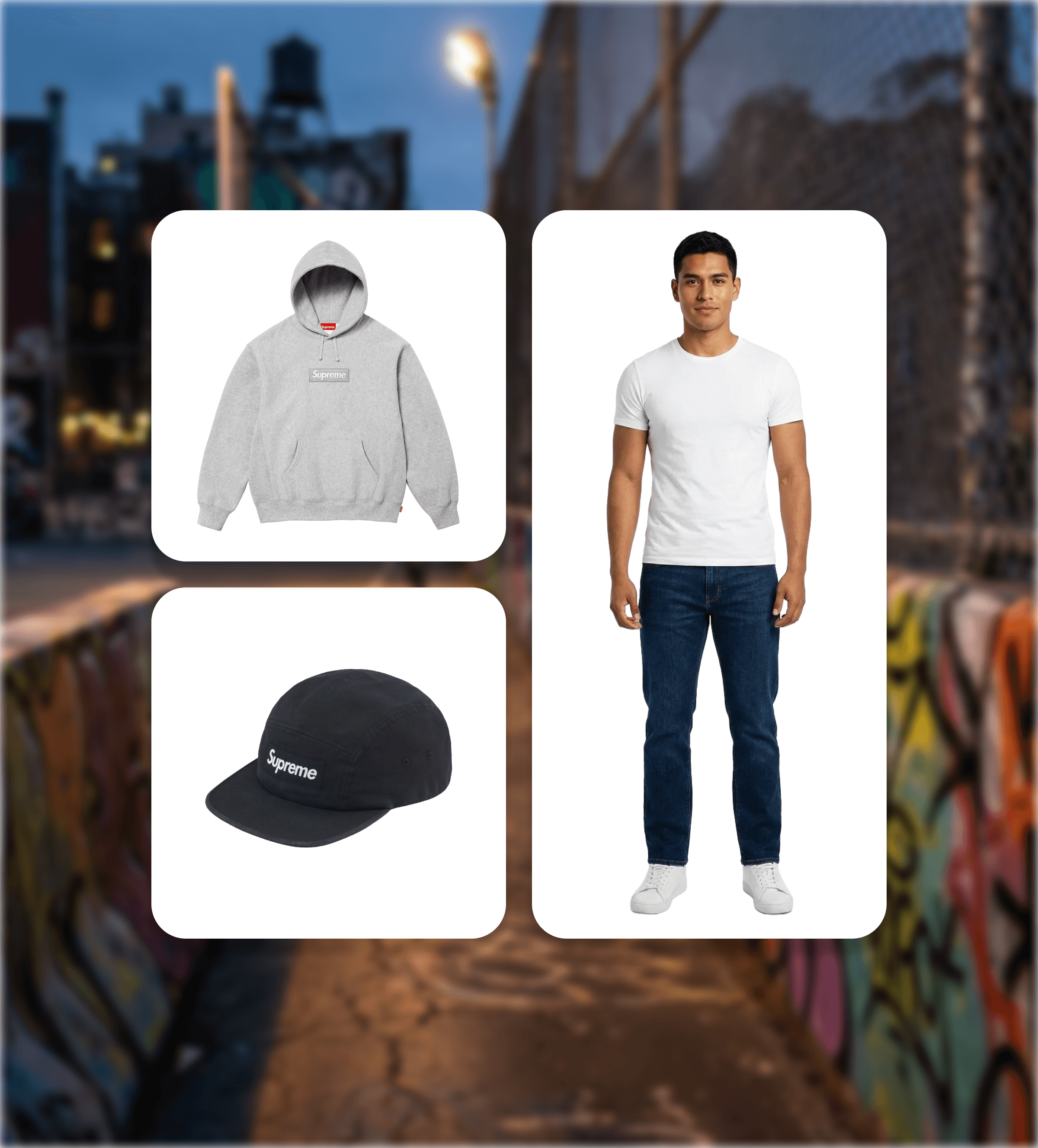
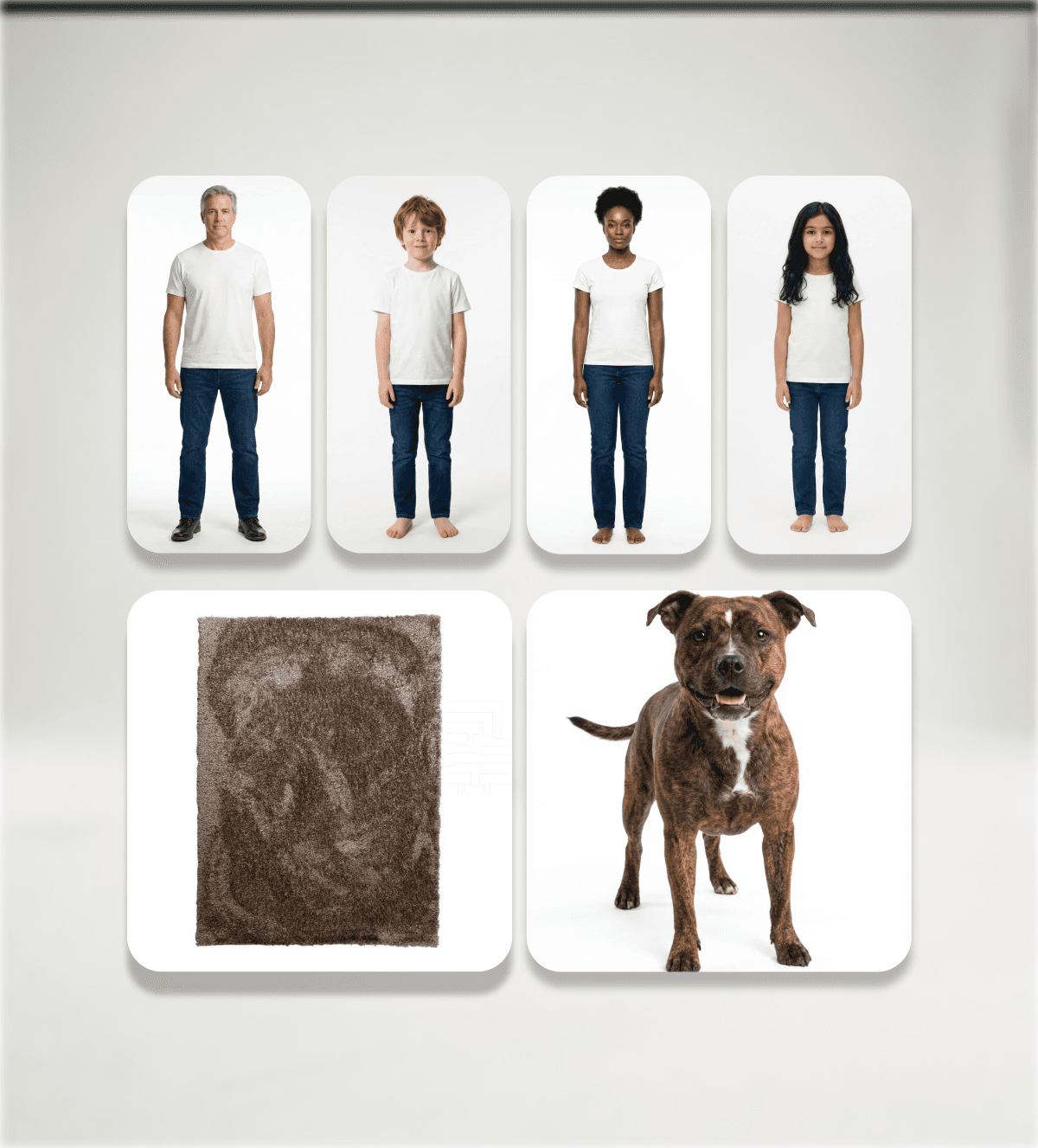
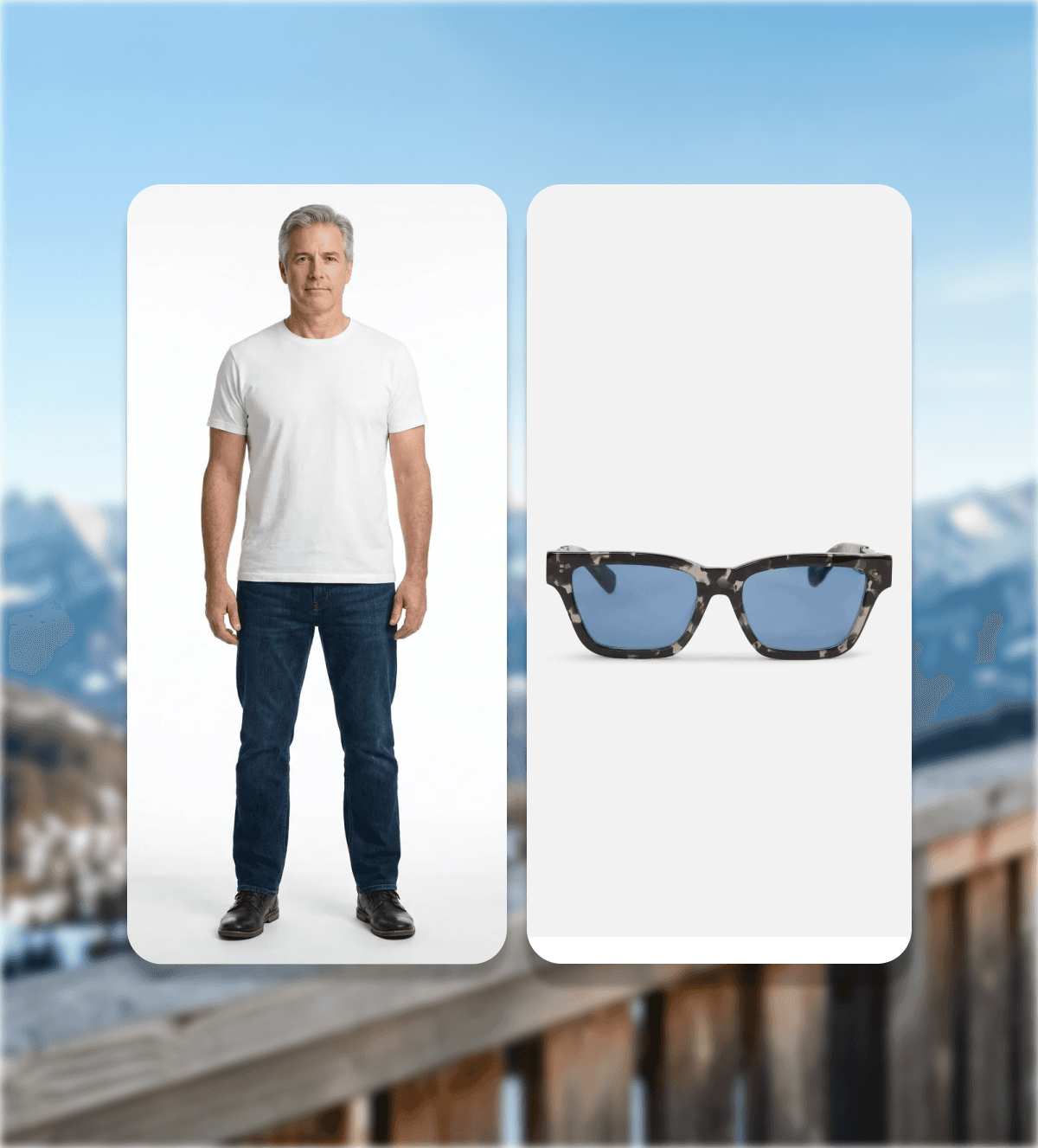
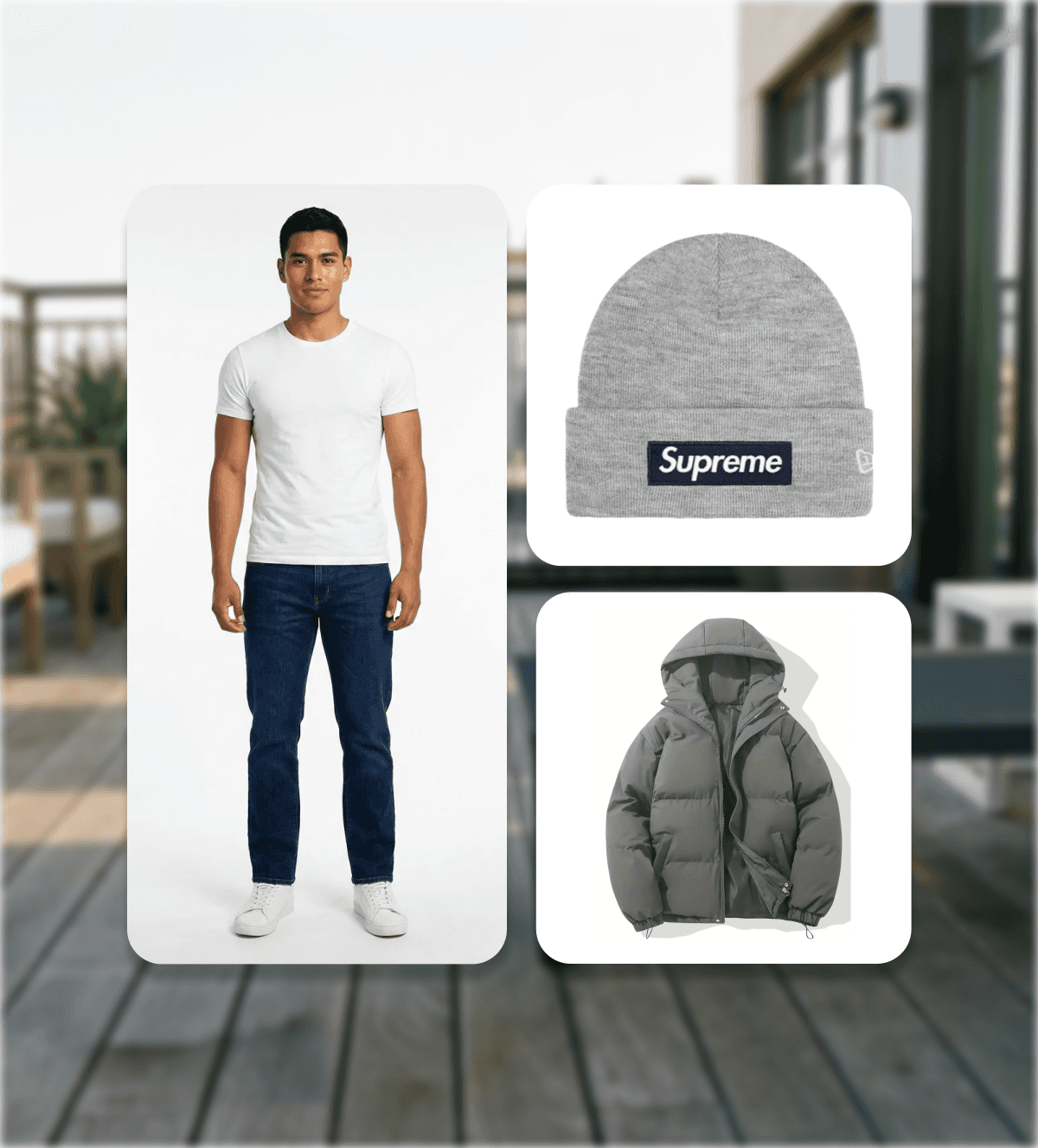
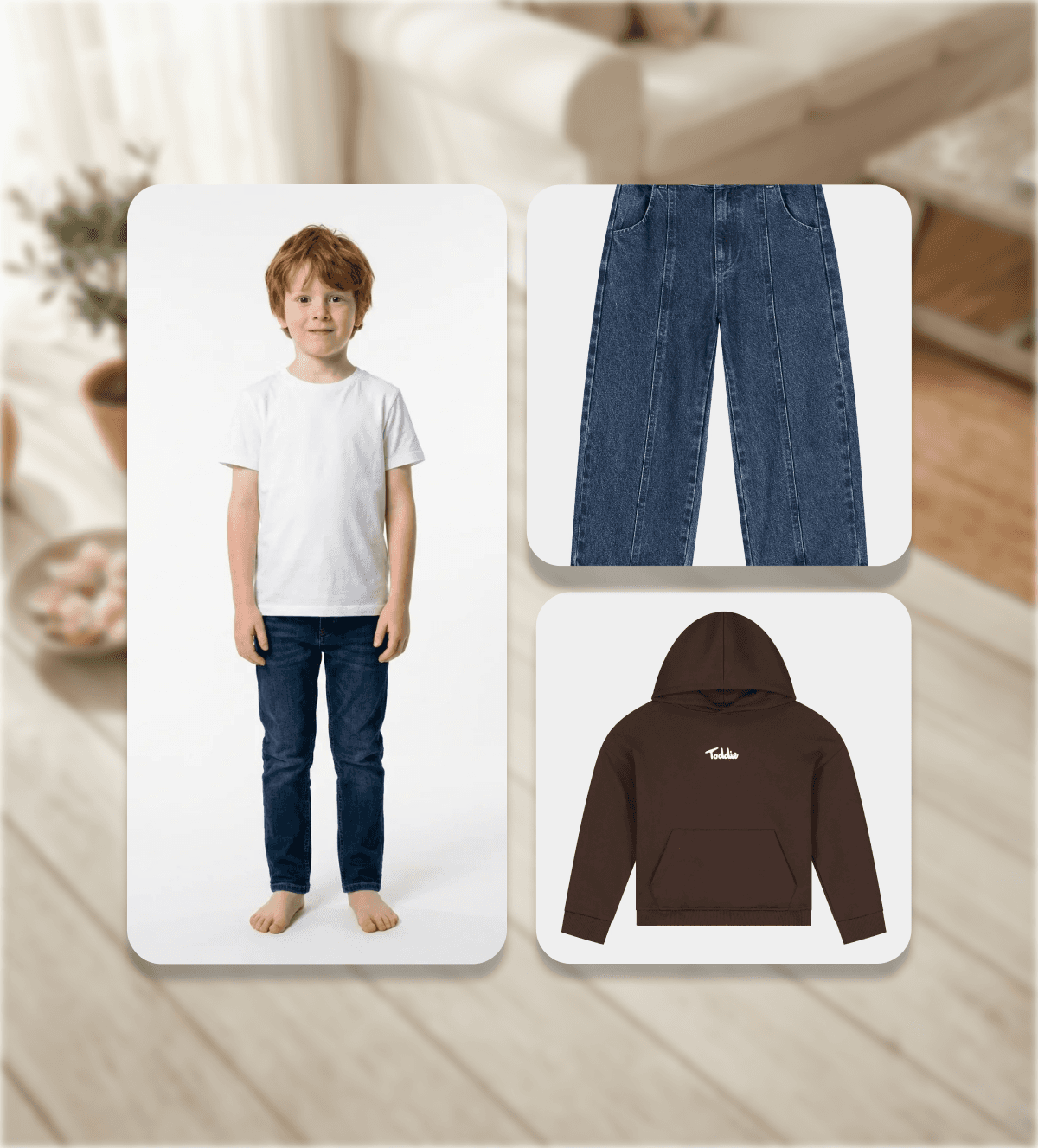
Upload models and combine them with garments from your store. Generate realistic fashion imagery for lookbooks, campaigns and social content — without a photoshoot.
Up to 6 models
Wear, hold+
Reusable models for consistency
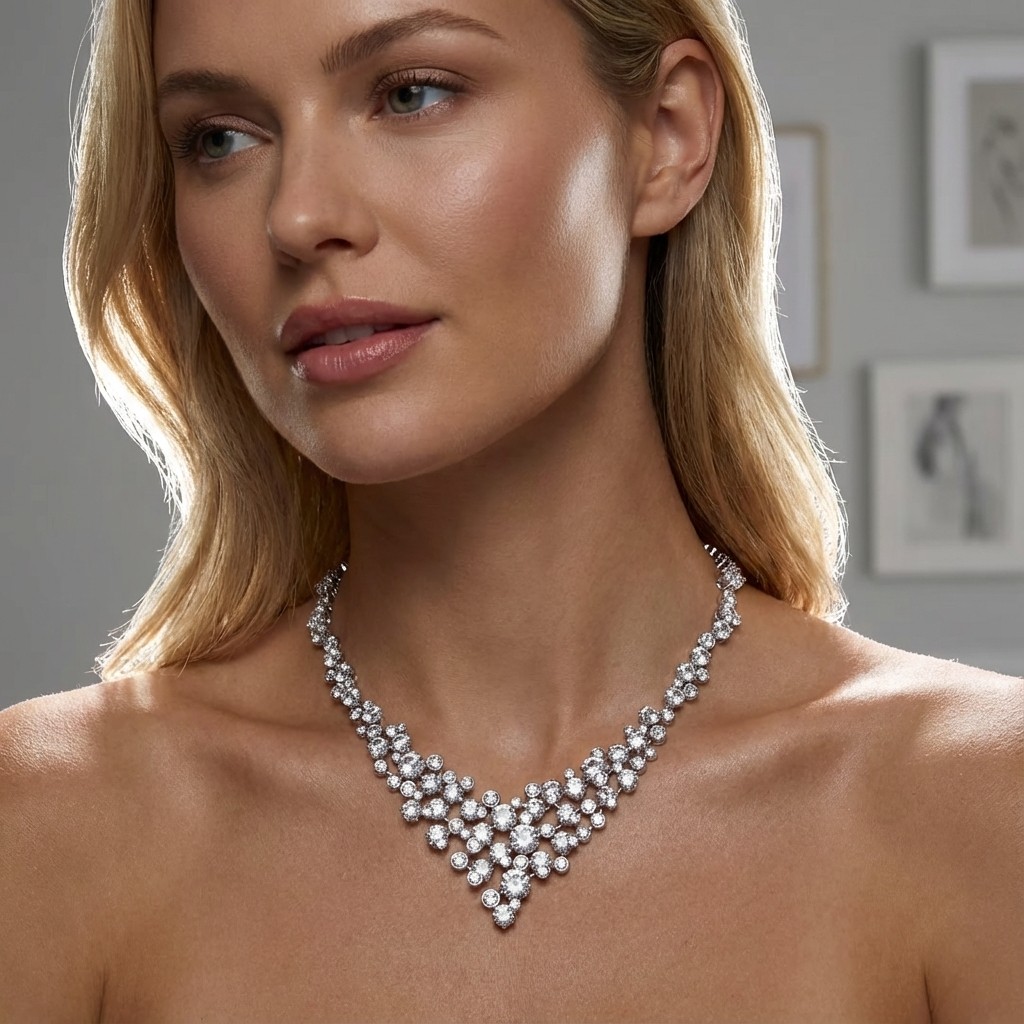
Social & Campaign Content
Scroll-stopping visuals for ads, posts and stories
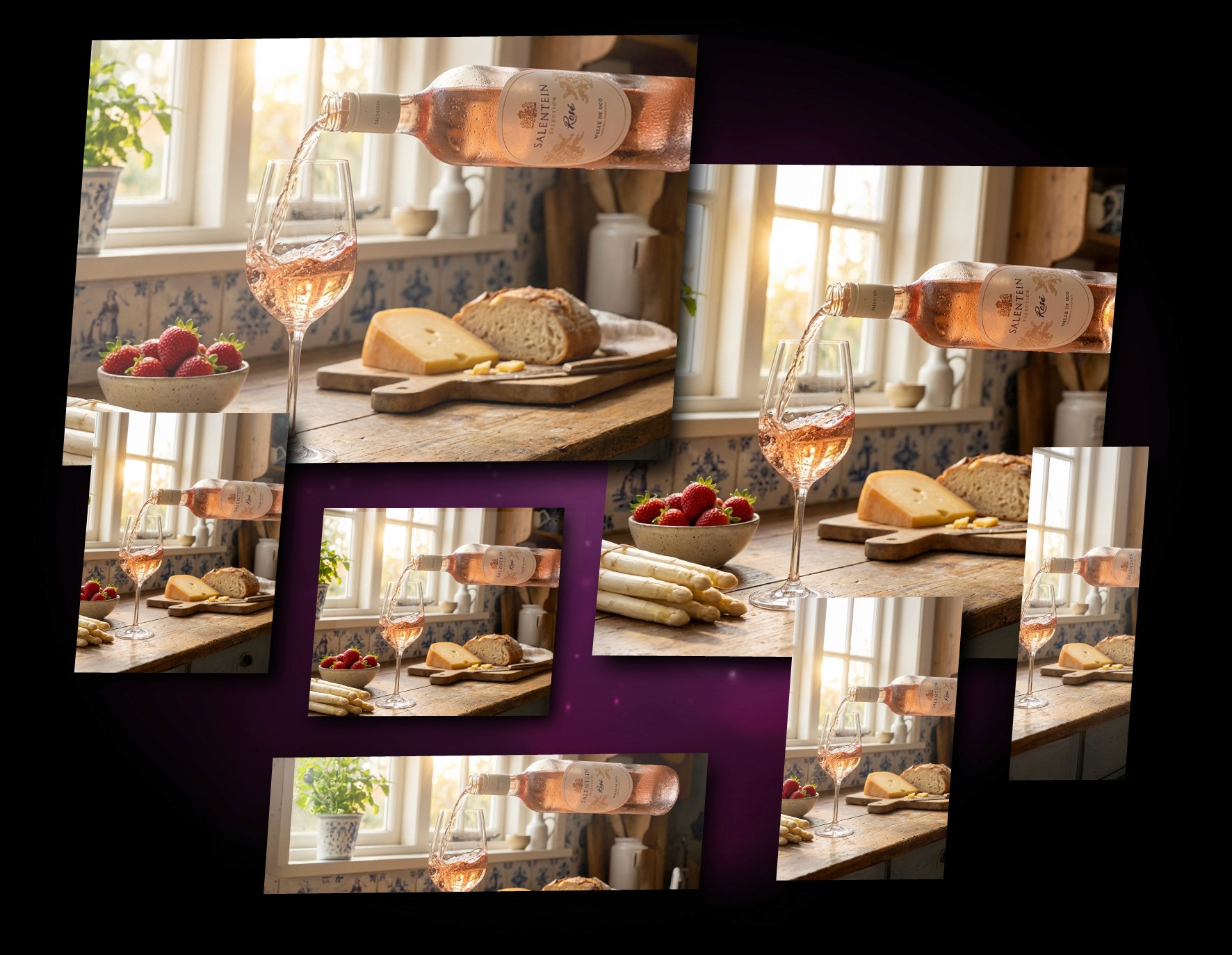
Create scroll-stopping visuals for ads, posts and stories.
Produce fresh content for every channel from the same product set.
Strategy
Custom AI
Consulting
Our Process
From Product to Perfect Visuals
From your store to stunning visuals in minutes. Photorealistic, on-brand, and ready for every channel in just a few steps
Step 1
Style & Location
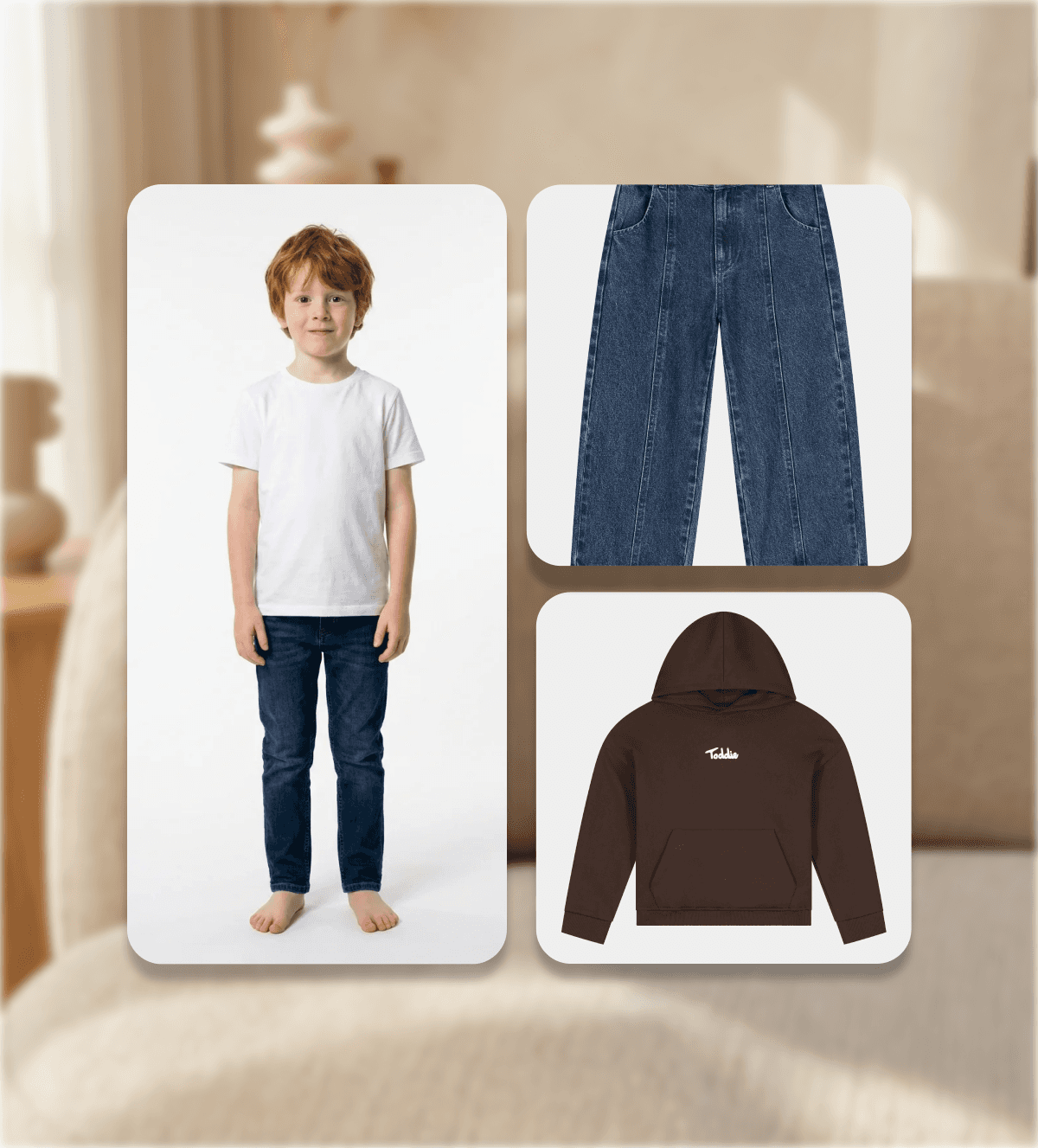
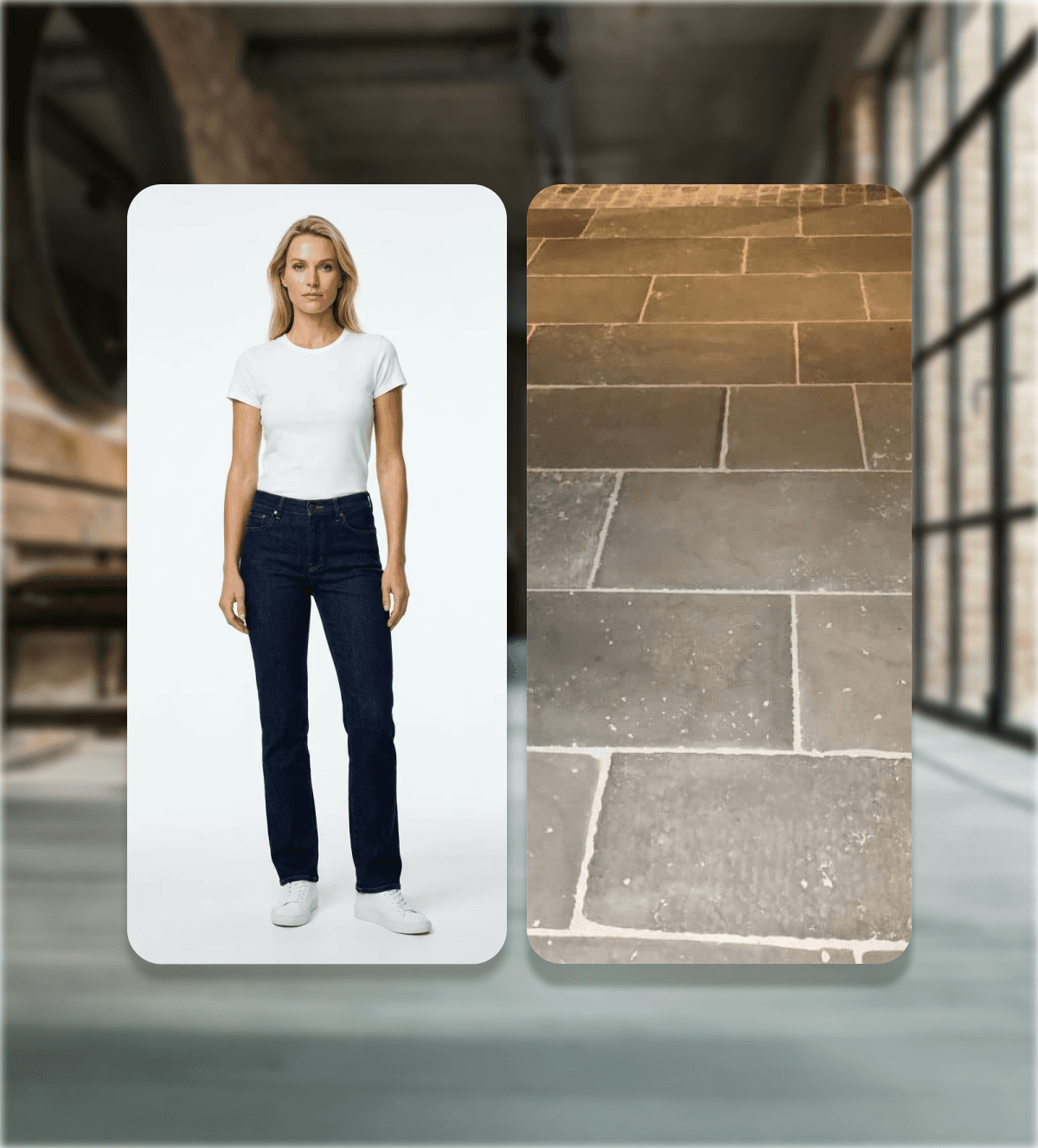
Choose your industry and pick the environment or scene that suits your brand, from modern minimalistic interiors to industrial lofts or outdoor spaces.
Step 2
Products & Models
Select one or multiple products and add models if needed. Decide how products are used in your scene: worn, held, or interacted with.
Step 3
Photoshoot Setup
Choose a photography preset, set your desired resolution, and add optional AI instructions to fine-tune lighting, mood, and composition.
Step 4
Review & Generate
Review your selections and generate your images.
Download high-quality visuals, ready for e-commerce, marketing, and campaigns.
Benefits
Why Brands Choose MAREY STUDIO
Everything you need to create high-quality visuals without the studio, the shoot or the wait.
Pricing
Start your free trial
or choose a plan
Choose a plan that fits your business needs and start automating with AI
Not sure yet? See how Marey Studio works
Discover how brands create high-end product photography using AI — from upload to final image.
FAQs
We’ve Got the Answers You’re Looking For
Quick answers to your AI automation questions.